Add an extra page to your bio link page
With SendPulse, you can create a bio link page with multiple pages. Multi-page bio links can be used to create your portfolio bio link page, business card bio link page, blog or simply optimize the information you have on your bio link page.
Add a new page
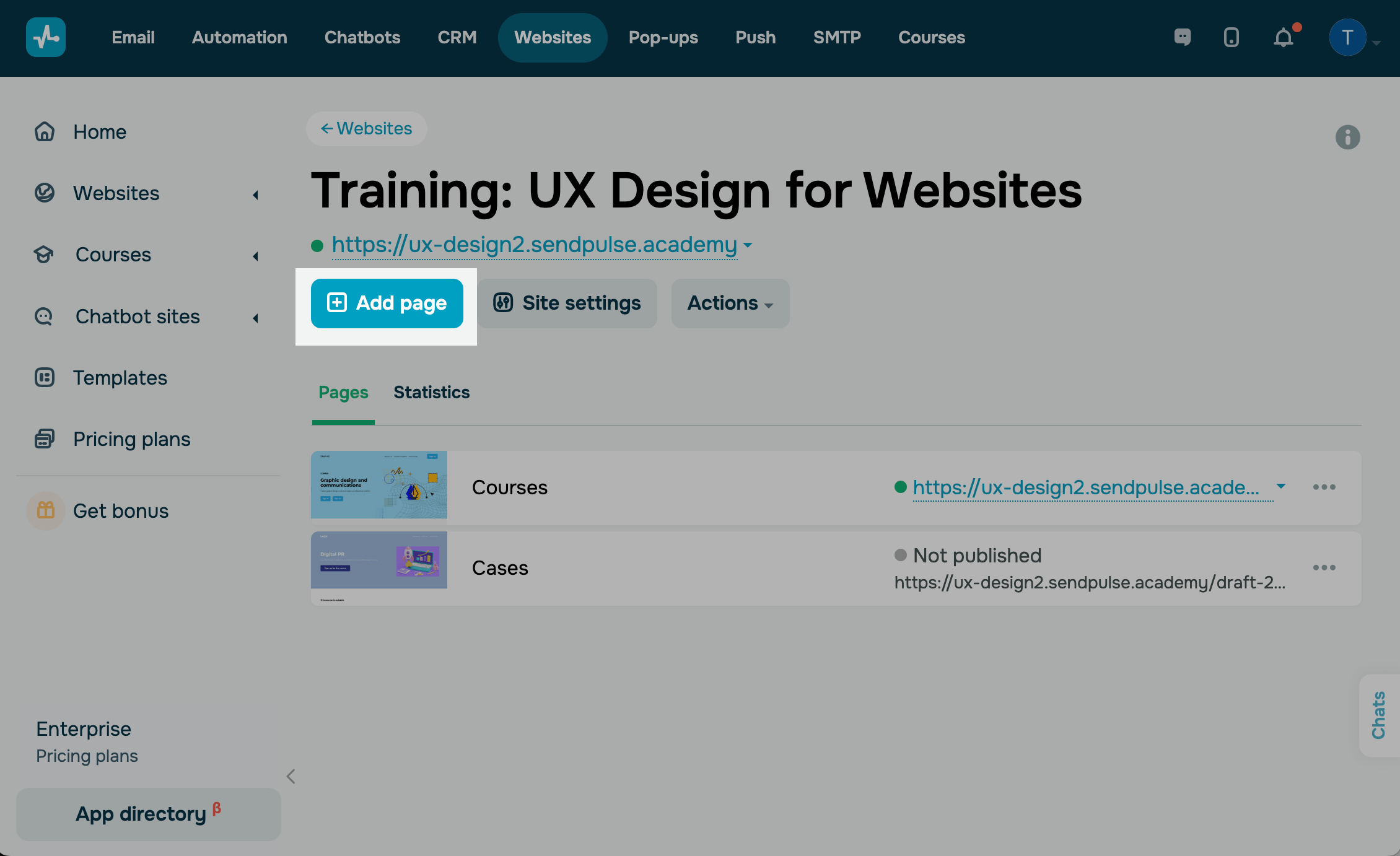
To add a new page to the bio link page, go to your bio link page, and click Add page.
Please note that you can add up to 50 pages on our Free plan, up to 500 pages on our Standard and Pro plans, and an unlimited number of pages on the Enterprise plan. See Pricing plans for more details.
Customize your page’s appearance
Next, customize the overall look of the page, and add new elements in the bio-link builder.
Please note that when you add a new page to the bio link page, it will be assigned the general style of the main page of your bio link page.
Learn more: How to create a bio link page.
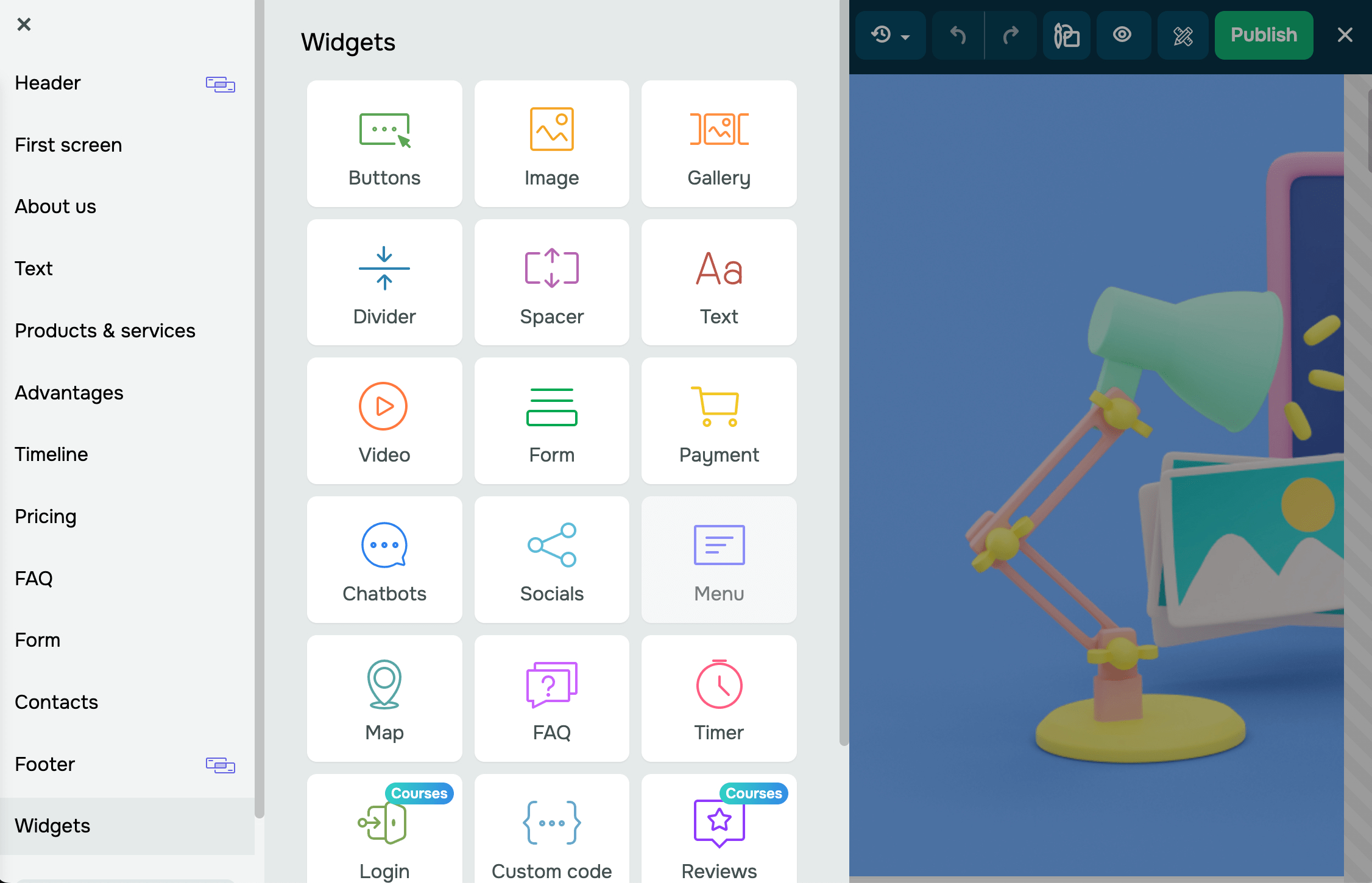
When you've finished editing the page, click Save and exit.

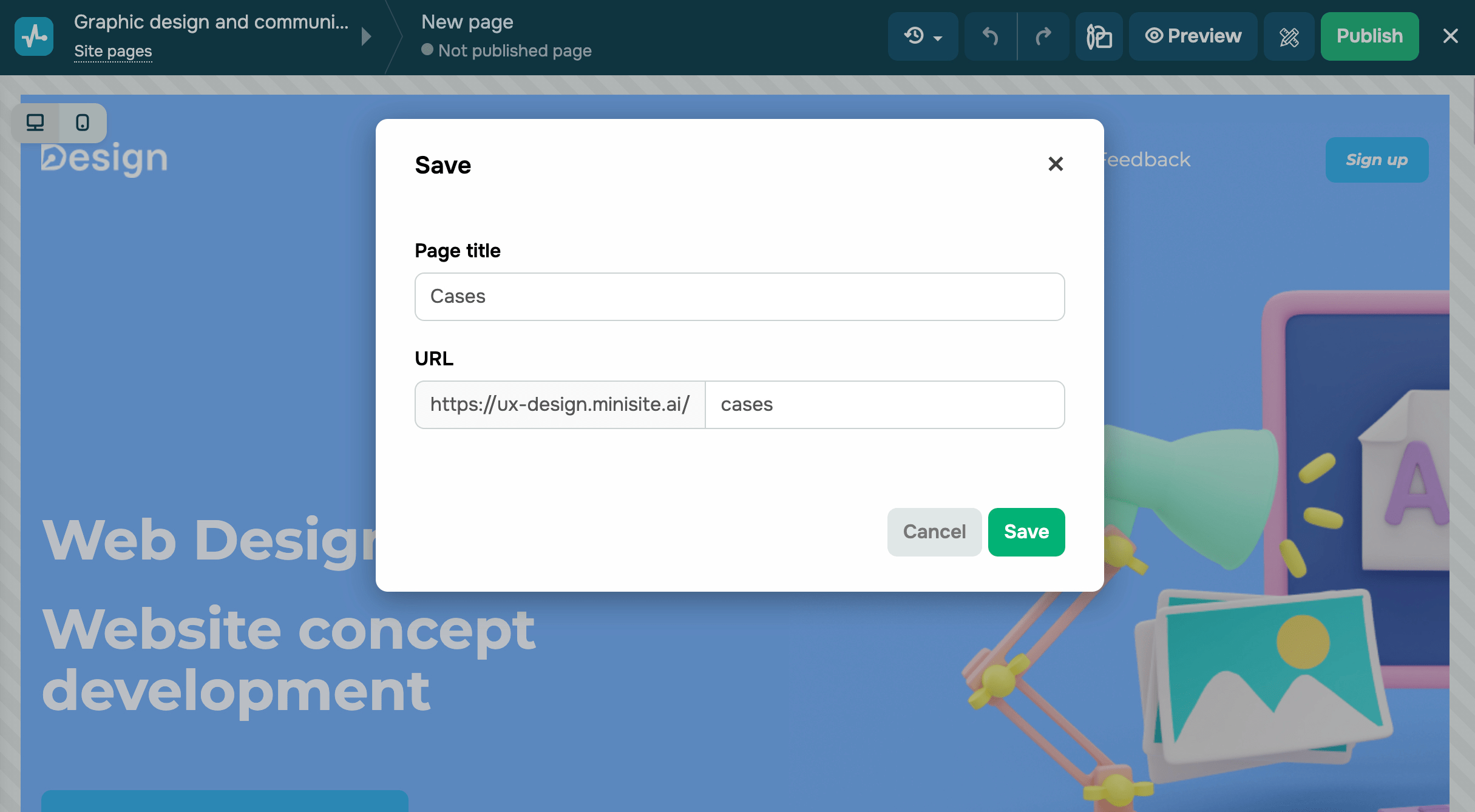
Add a name and link to the new page
Enter the name and URL to your new page. Click Save.
Set up the page
Afterward, you will be able to publish a new page as well as edit, customize, copy, or delete it.
Learn more: How to manage bio link pages.
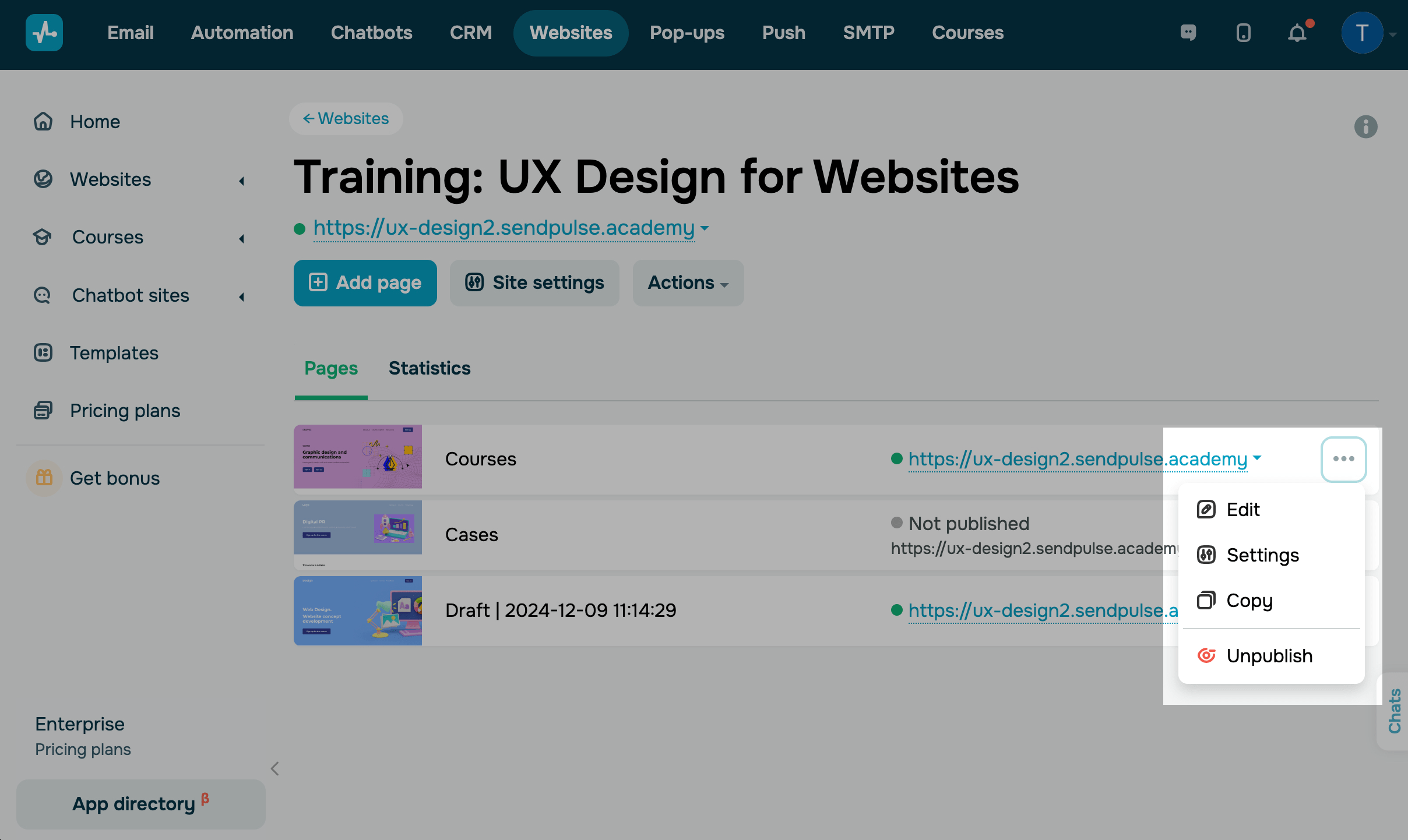
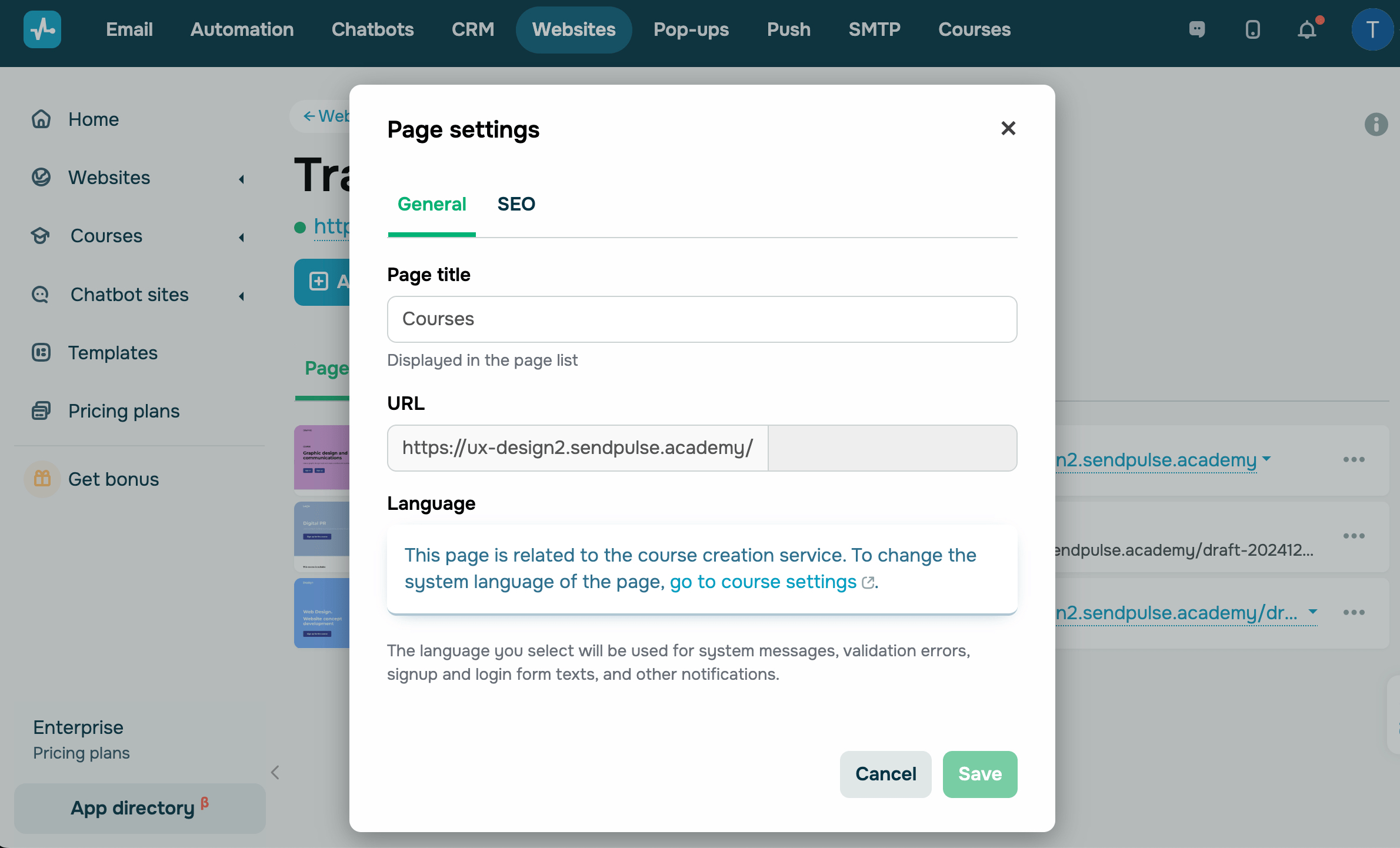
In the page settings of the General tab, you can enter your new title and URL for the page.
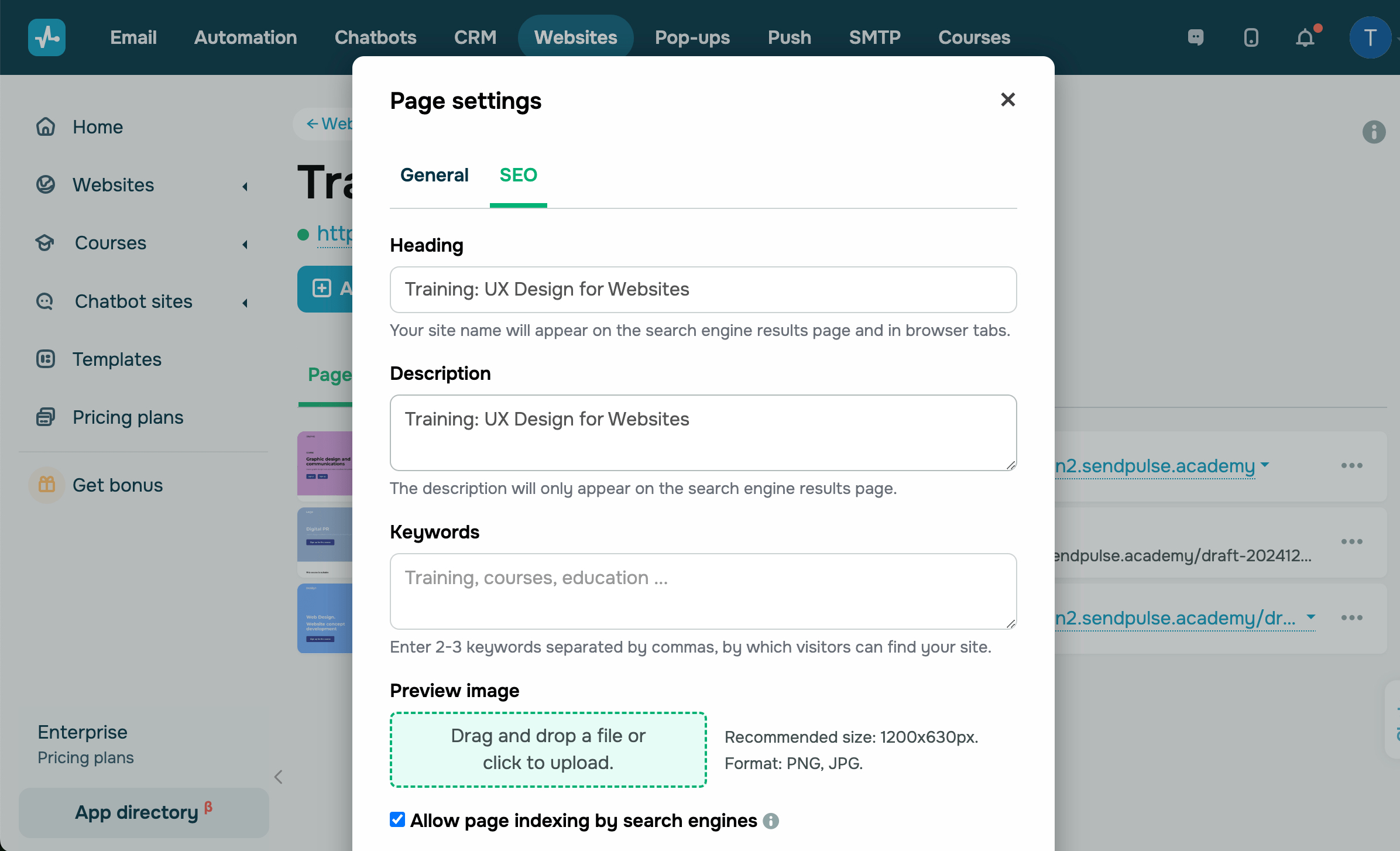
In the SEO tab, you can configure some additional information to improve your bio link page’s indexing and search result performance.
Learn more: How to add bio link page metadata.
View page statistics
To view bio link page statistics, go to the Statistics tab.
Learn more: How to view bio link page statistics.

To see detailed statistics for each page click Detailed statistics of visits.

 Last Updated: 07.10.2024





or