























What is an email chatbot?
An email chatbot is an automation tool that takes care of incoming emails on its own. It helps your business streamline email conversations without losing a single inquiry or jumping between inboxes.
If your customers or partners regularly email you and expect a prompt reply, an email chatbot is exactly what you need. Simply connect your Gmail or any IMAP-supported inbox to SendPulse and let the automation handle the heavy lifting.
Email chatbot vs. email campaign — what’s the difference?

A chatbot holds a personal conversation with every customer. A campaign goes out to your entire mailing list or segment.

A chatbot keeps the conversation going until the goal is reached. A campaign is a one-way message with no reply expected.

Chatbot messages look and feel like genuine, live responses. Campaigns come with buttons, visuals, and attachments.

Chatbots can process inbound emails without responding. They can create contacts, update CRM records, and route emails to the right team members.

Perfect for customer support, sales, and beyond

Support teams
Cut response times from hours to seconds. While your email chatbot covers routine conversations, your team can focus on the messages that need a human touch.

Sales reps
Let your chatbot for emails do the groundwork and qualify leads, capture insights, and deliver tailored offers before seamlessly passing high-intent leads to the right team member.

Solopreneurs
Stay on top of every tiny detail, even if you're building your business solo. Stop drowning in your inbox and automate routine emails to spend more time on high-priority chats.
Streamline your inbox workflow
No manual work and missed steps from the first message to the closed deal.
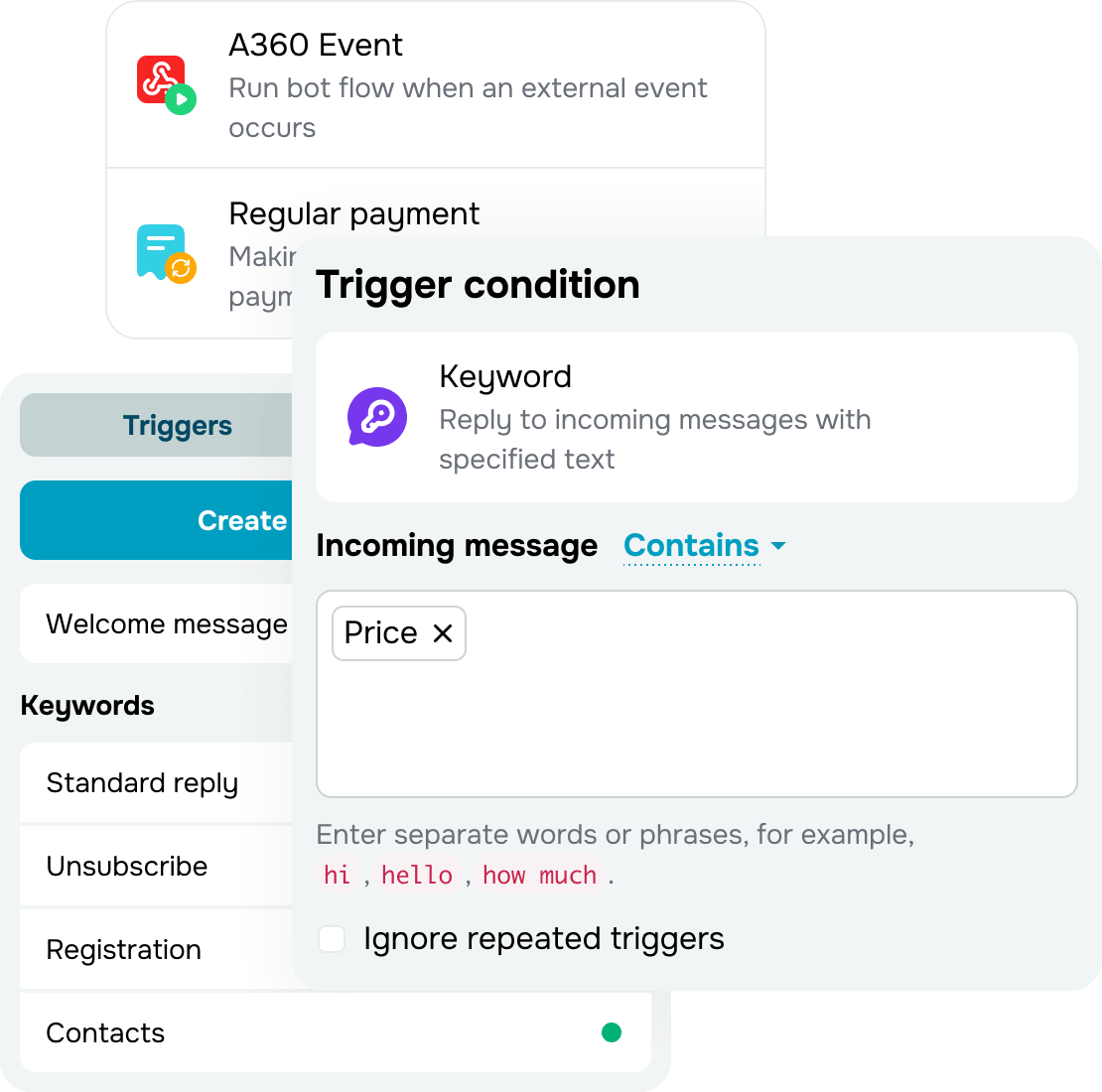
Reply to every email in seconds
Set up keyword triggers, like pricing, delivery, working hours, and location, and your chatbot for emails will send relevant replies instantly without you lifting a finger.
To recipients, it looks just like a personal email reply — with the same subject line, a personalized greeting, plain text, and a signature.
Your customers will never suspect it's automated.
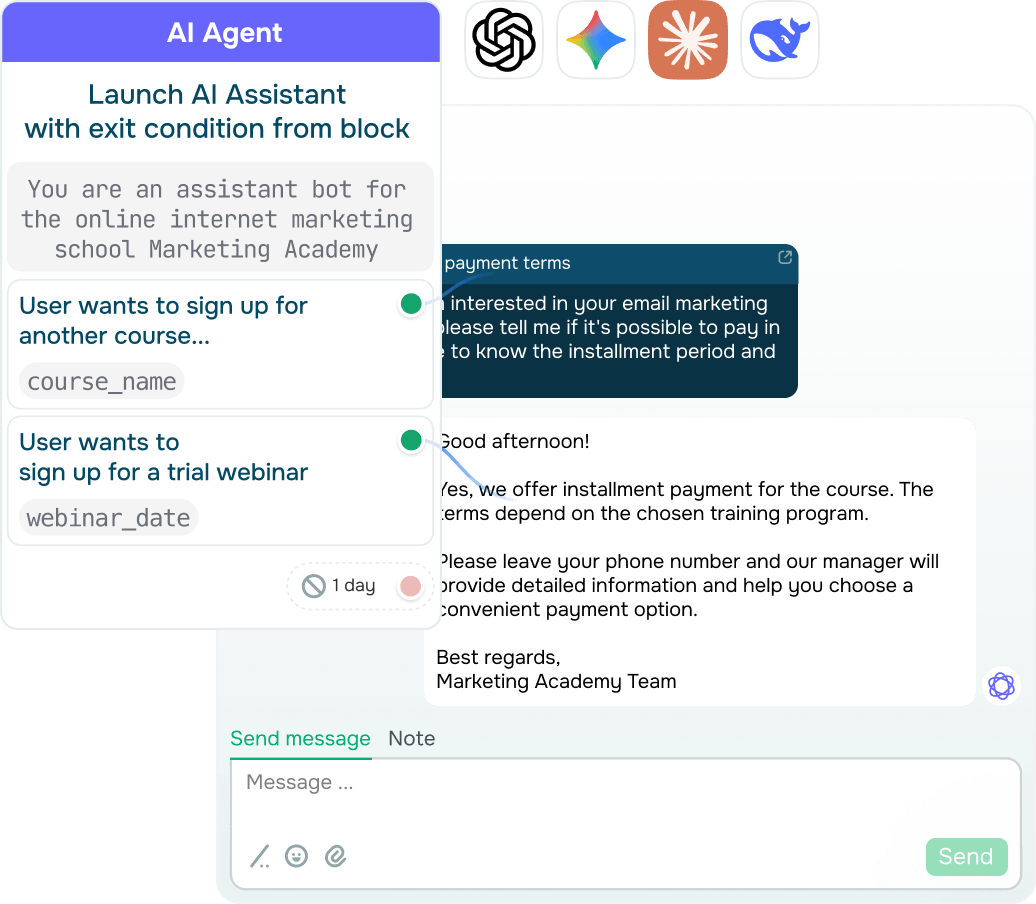
Route auto-replies to AI agents
Power up your chatbot with a built-in AI agent and automate even the trickiest emails. The agent understands the message topic, context, and tone, then sends a thorough, tailored reply based on your prompt.
A team member can take over the conversation at any moment to handle more challenging issues or tackle a situation that calls for human input.
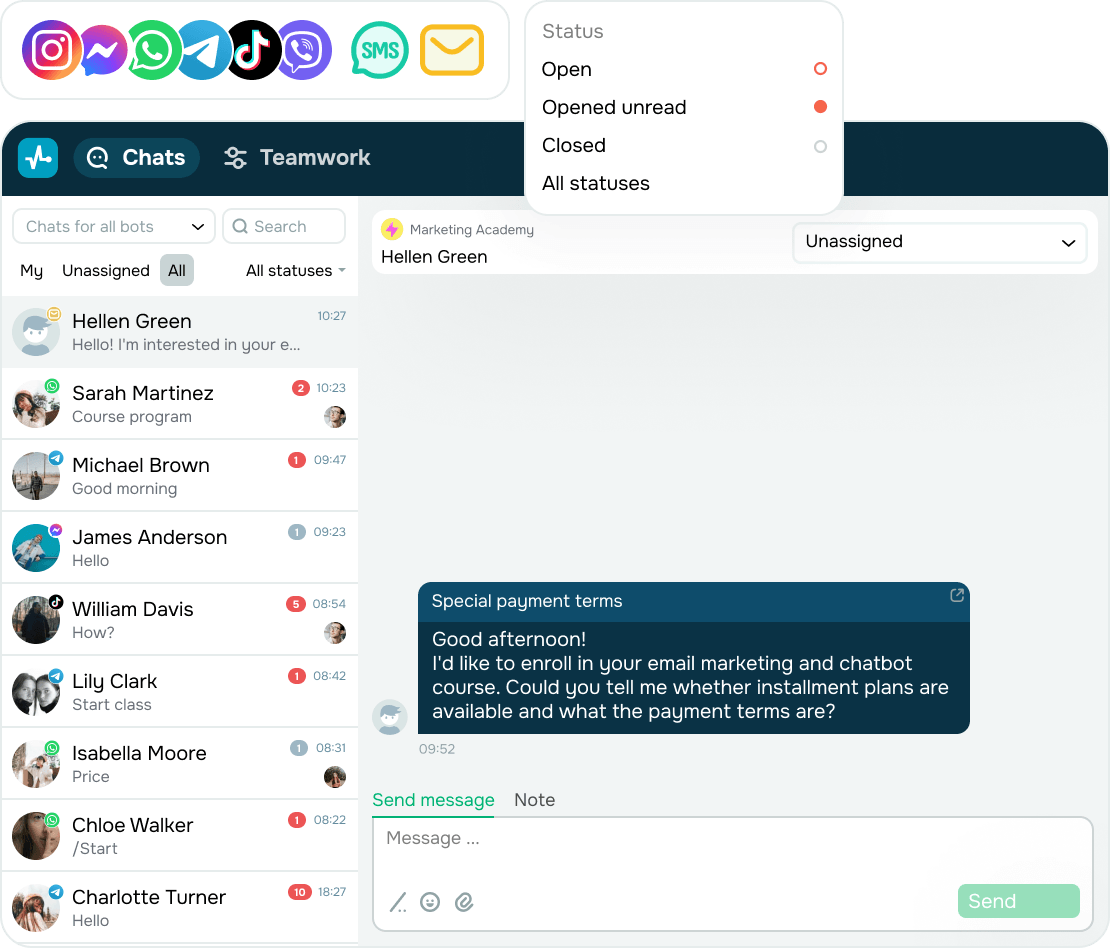
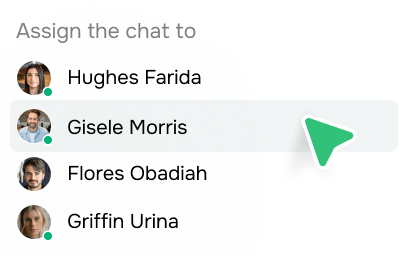
Manage all interactions in a single omnichannel inbox
Bring emails, in-app chats, SMS, and WhatsApp calls together in a single interface and stay in touch with customers without any extra tabs or missed messages.
All interactions appear in the same inbox, whether they come from SendPulse accounts, email clients, or mobile devices.
A unified view helps your team reply faster and lets you stay on top of deal progress and monitor team performance without switching tools.
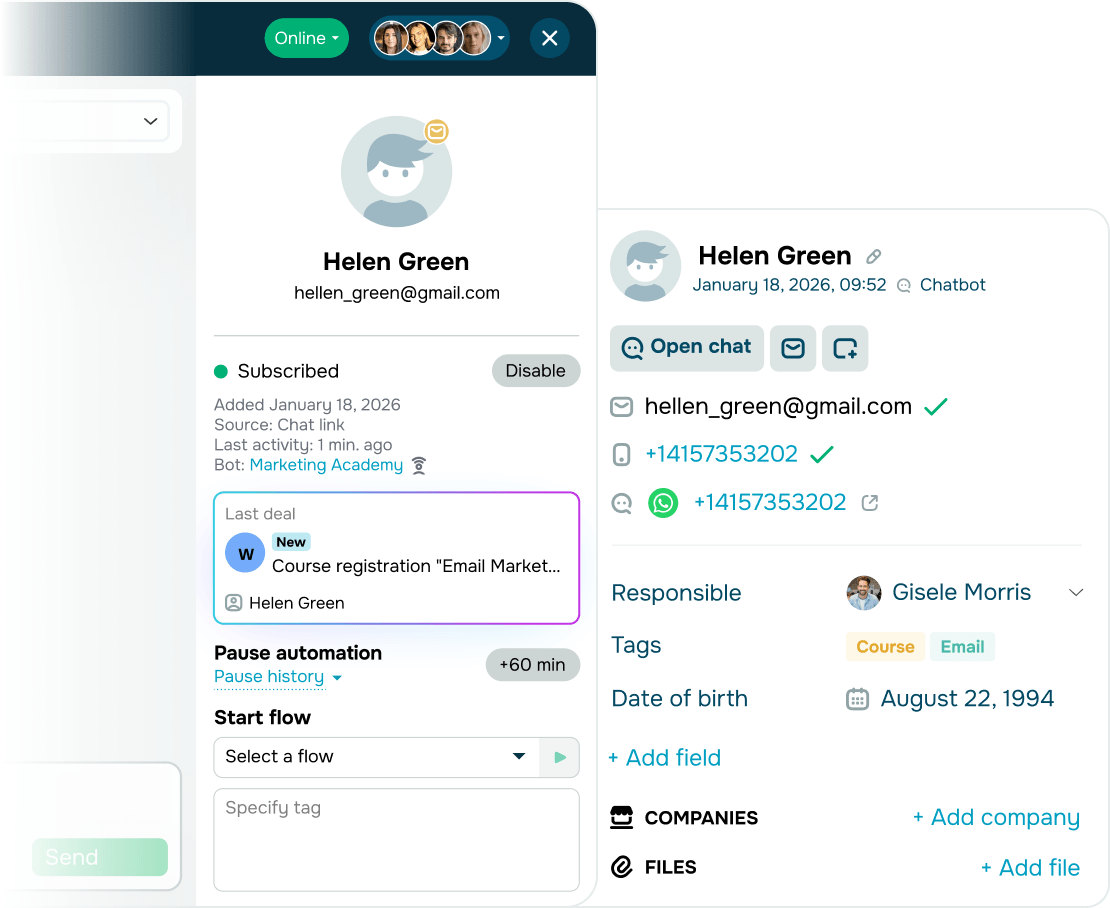
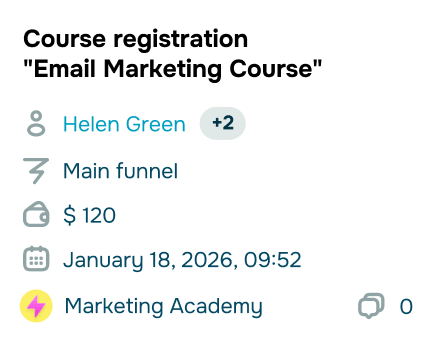
Log deals and run omnichannel pipelines
Put the full SendPulse toolkit to work:
- Create and update deals based on your email conversations and then keep track of them in your CRM system.
- Feed email conversation data into omnichannel flows and launch email, SMS, or in-app campaigns triggered by subscriber actions in your chatbot.
With all SendPulse tools working in sync, you can deliver a flawless customer experience and sell more with ease.
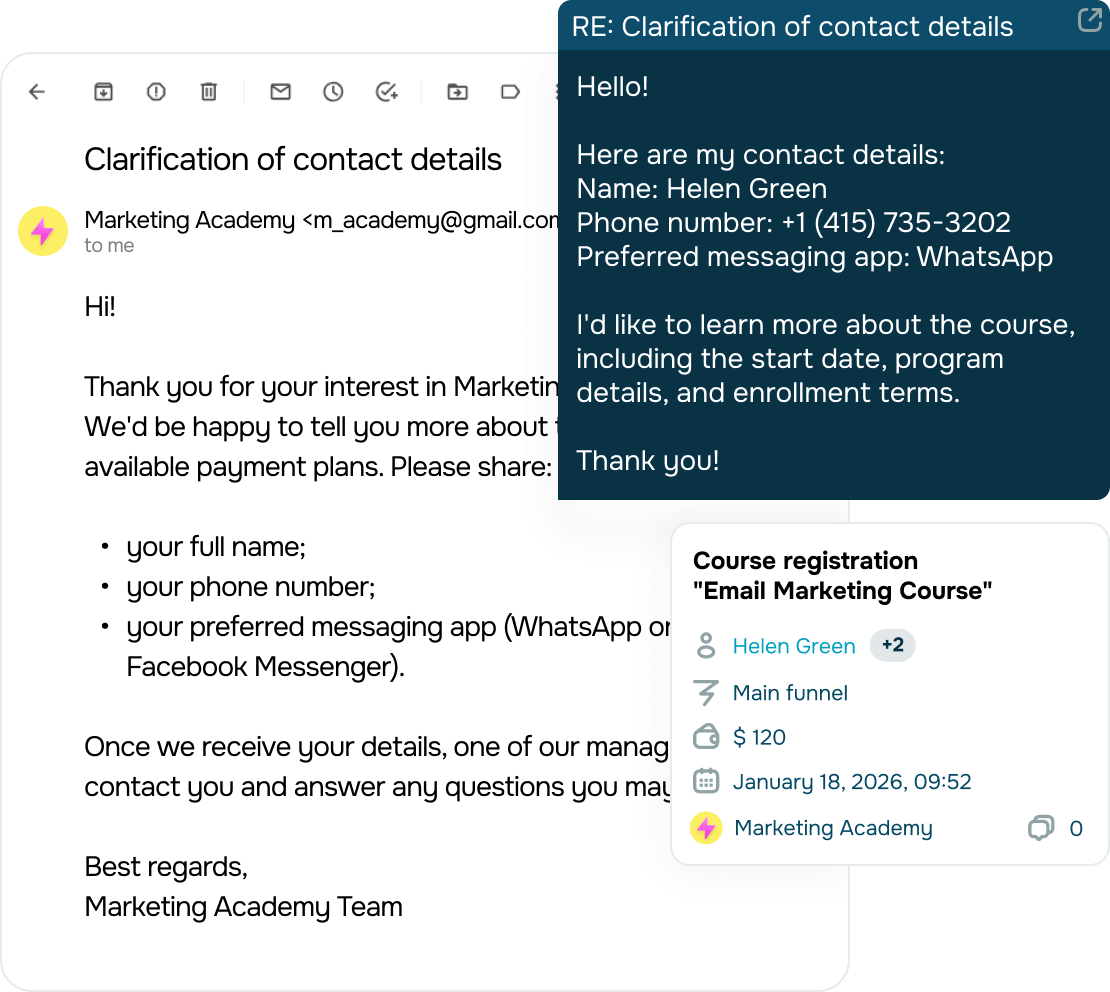
Create multi-step conversation flows
Some emails need more than one reply.
Build automated flows to confirm order details, enroll students in your courses, and send timely payment reminders.
Save your team’s time, reduce manual follow-ups, and move customers down sales pipelines faster.
Hand off complex inquiries to your team automatically
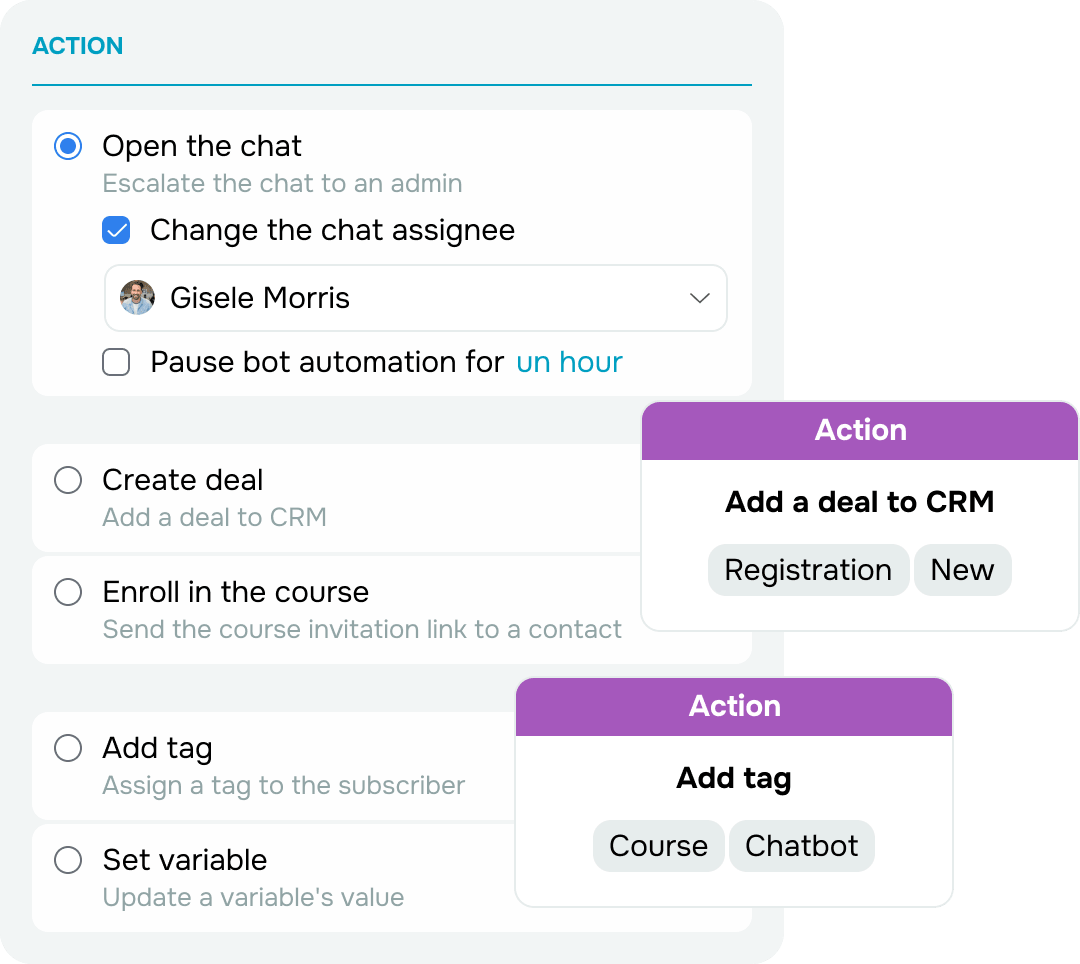
If your chatbot can’t handle an email using automated replies, it can:
- Save the contact to your CRM system.
- Assign relevant tags.
- Outline the inquiry if needed.
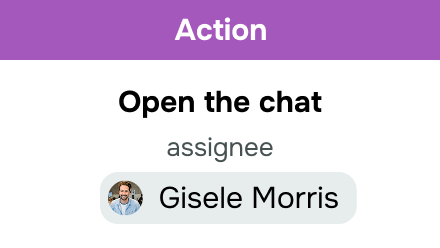
- Pass the conversation to a team member with full context.
Your team can continue the conversation instantly — no repeated questions or extra clarification required. Once the issue is resolved, automation starts running again.
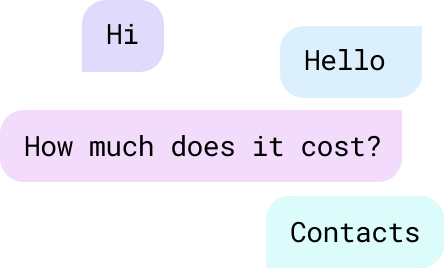
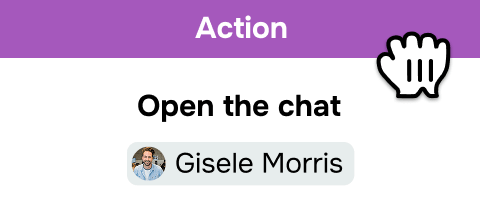
No-code email chatbot builder
Create and launch chatbots for emails without coding or developers.
Simply follow these steps:
- Map out your communication goals.
- Choose keyword triggers.
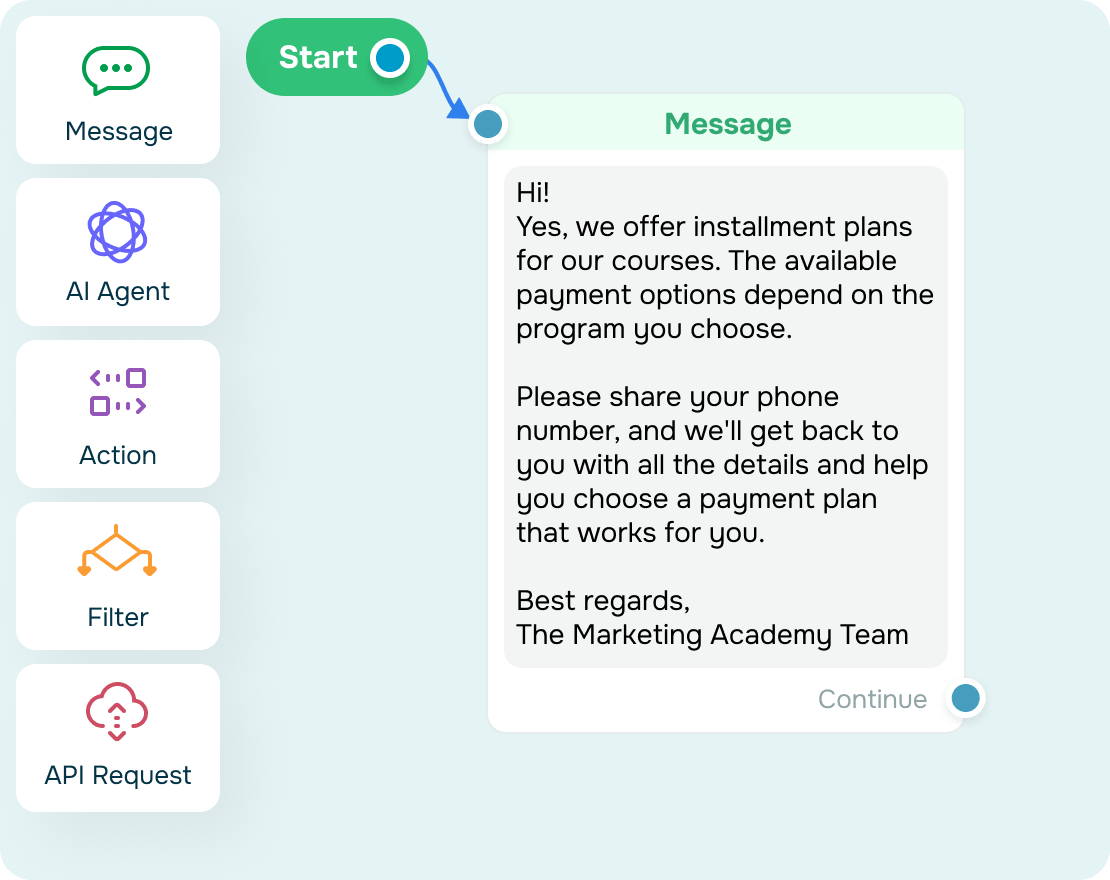
- Build conversation flows with drag-and-drop elements and add content yourself or use AI agents.
Your chatbot goes live immediately — no complex setup or extra hires needed.
Why businesses choose our email chatbot builder:

Go live in minutes with no tech headaches

Design automated flows with a drag-and-drop editor

Add team-only notes to stay aligned on every workflow

Edit, test, and run chatbot flows in just a few clicks
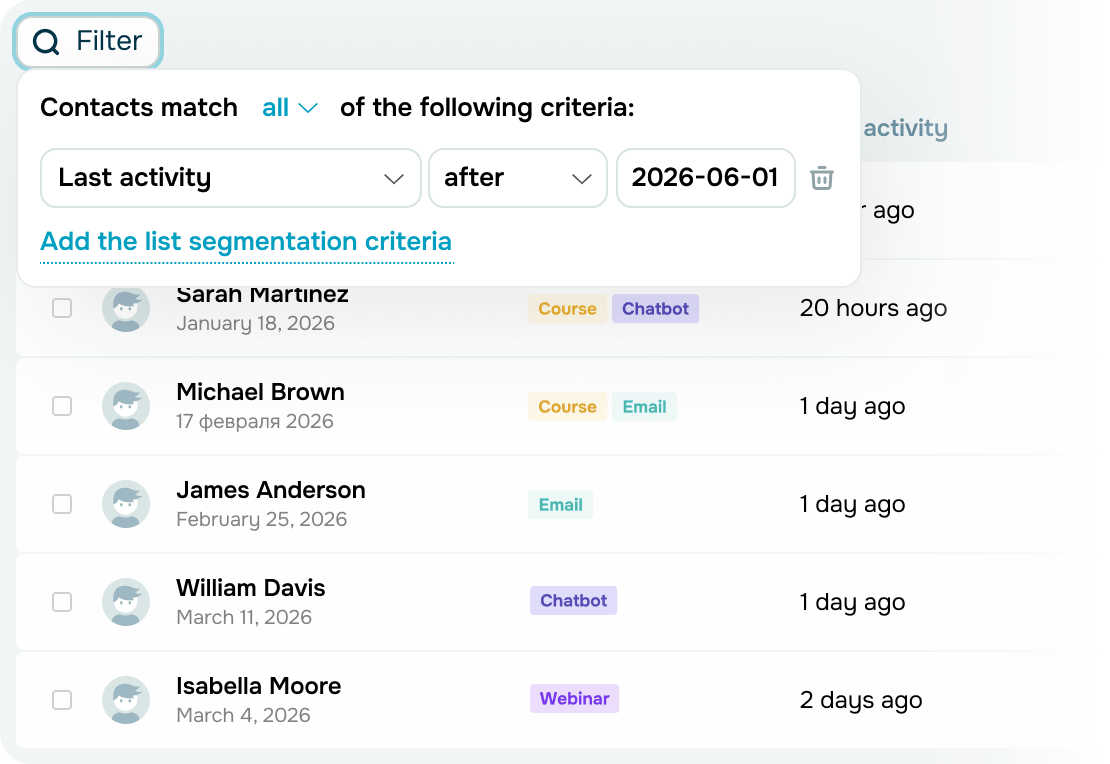
Stay on top of what drives engagement and conversions
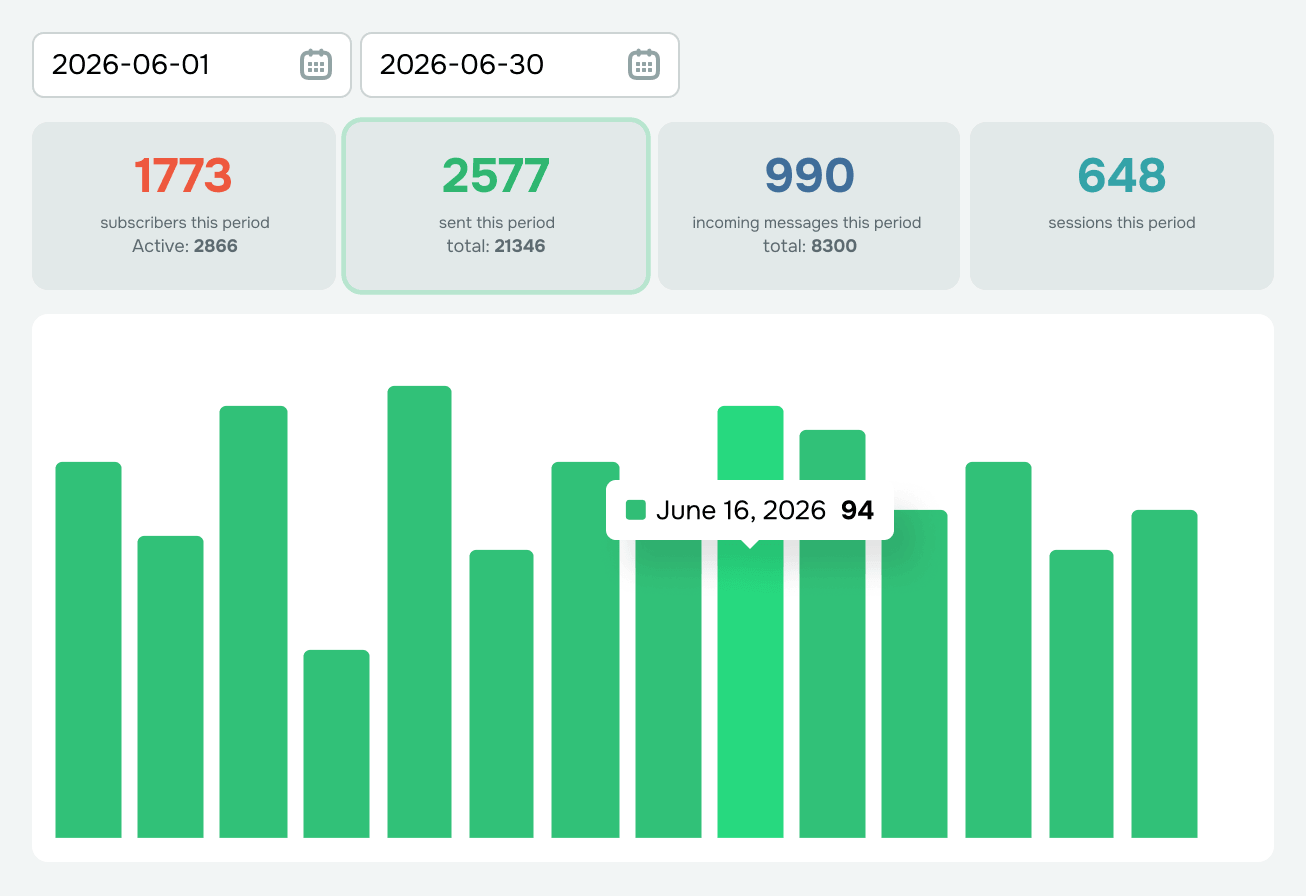
Track key performance metrics

Total audience

Active subscribers

Messages sent and received

Activity within 24 hours
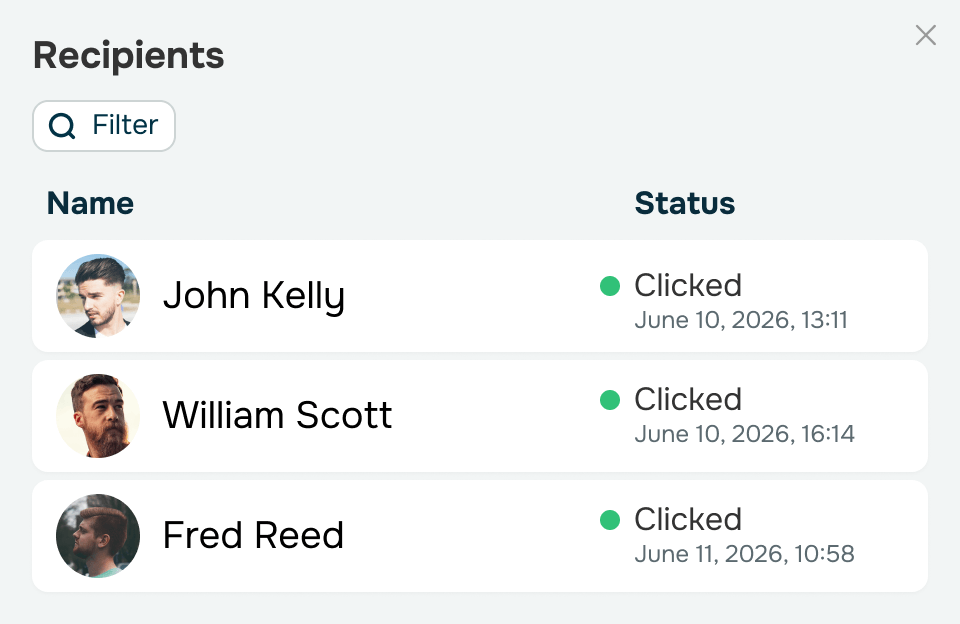
Monitor every flow's performance
See how subscribers move through your flows and engage with messages, then use these insights to refine weaker automations and scale your top performers.
How to create an email chatbot
Get started in minutes with no coding in sight.
-
Connect your email inbox to SendPulse’s CRM system
Go to the “Inbox” tab and connect the email account you use for customer communication, following our self-help guide. -
Turn on automated email replies
Go to your email account settings and select the “Add emails to the ‘Conversations’ tab and automate replies through a chatbot” checkbox.SendPulse will automatically create an email chatbot and connect it to your inbox. -
Set up triggers and automated flows
Select the newly created email chatbot from your chatbot list and tailor it to your workflow.Start with the default reply, customize it, add trigger keywords, and build automated flows in the no-code builder or generate them using AI. -
Go live and monitor performance
Test and launch your chatbot, then start tracking performance. Analyze flows, individual elements, and subscriber conversations. Next, use these insights to fix bottlenecks and double down on your most effective automations.
Keep in mind that connecting an email account requires a paid CRM plan.
FAQ
How many email inboxes can I connect to one account?
The number of connected email inboxes depends on your CRM plan. Manage a single inbox for all incoming messages or organize email traffic by purpose. For instance, you can create dedicated inboxes for customer and partner emails or add multiple inboxes for your team. Every connected email inbox gets its own email chatbot with separate flows and automation settings.
Will my recipients know they’re talking to a chatbot?
Not necessarily. Your chatbot replies within the same email thread as the original message, making the conversation look like a regular email exchange. With personalized greetings, simple text-based format, and no design elements or buttons, recipients see emails that feel natural and human.
Can I add images, buttons, or attachments to chatbot replies?
No. Your email chatbot is designed to blend seamlessly into natural email conversations, so it sends text-only replies. Instead of marketing-style layouts and buttons, recipients get emails that feel more personal and trustworthy, encouraging them to keep the conversation going. If you need to share files, price lists, or product catalogs, simply include links to them in your email.
Can I get help with setting things up?
Absolutely, our support team is available around the clock. Simply start a chat, and we'll be happy to help.
Can I try SendPulse for free before purchasing a plan?
Sure! Create a SendPulse account and start a 7-day trial to connect an email inbox to your CRM system, explore advanced chatbot features, and experience unlimited messaging firsthand.
Connect an email chatbot to your inbox and be there 24/7
Automate replies and handle email conversations with the speed and efficiency of messaging apps.
Create an email chatbot
or