


















×

Want to see SendPulse in action?

picture for noty

Book a personalized demo, and our representative will walk you through our core features, answer your questions, and help you get started with the service.

Book a demo

Trusted by 3M+ users. Loved by 4K+ reviewers

ufs rocher dominos jooble viessmann puma samsung lot swatch karcher PWC radisson tata jackwolfskin sofitel

Your sales pipeline, powered by WhatsApp Commerce

See how one chatbot can convert customers, help them choose, and complete orders — all connected to your catalog and CRM system.

Bring traffic straight into WhatsApp

Bring traffic straight into WhatsApp

Clicks don’t convert if users vanish after the first touch.

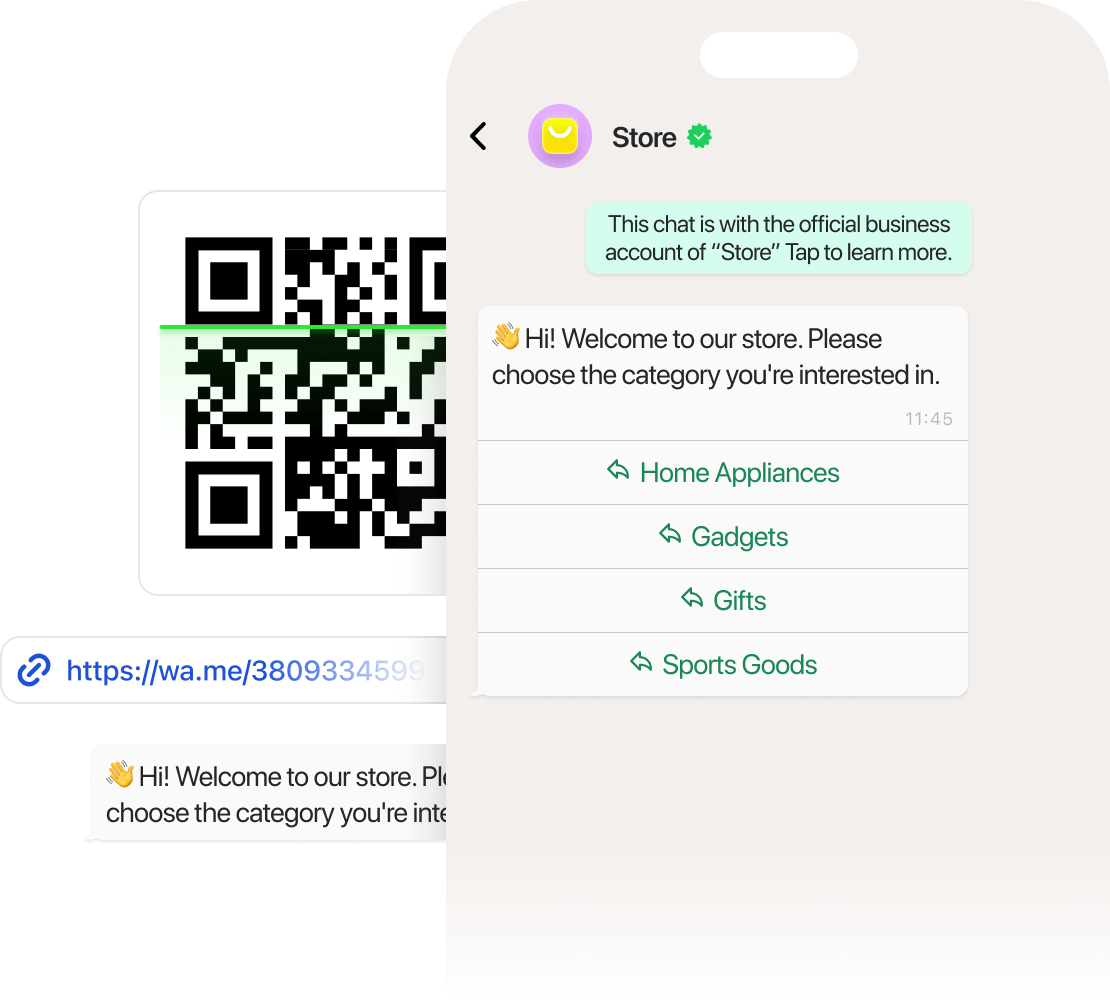
Use WhatsApp Commerce to capture traffic from any source with subscription widgets, QR codes, smart links, and ad clicks.

You can also bring in audiences from email, SMS, or chatbots by inviting them to join your WhatsApp flow.

Every entry point leads straight to a conversation and closer to a sale.

Automate conversations and close deals faster with AI

Automate conversations and close deals faster with AI

Manual replies slow you down and cost you sales, so say goodbye to basic automation.

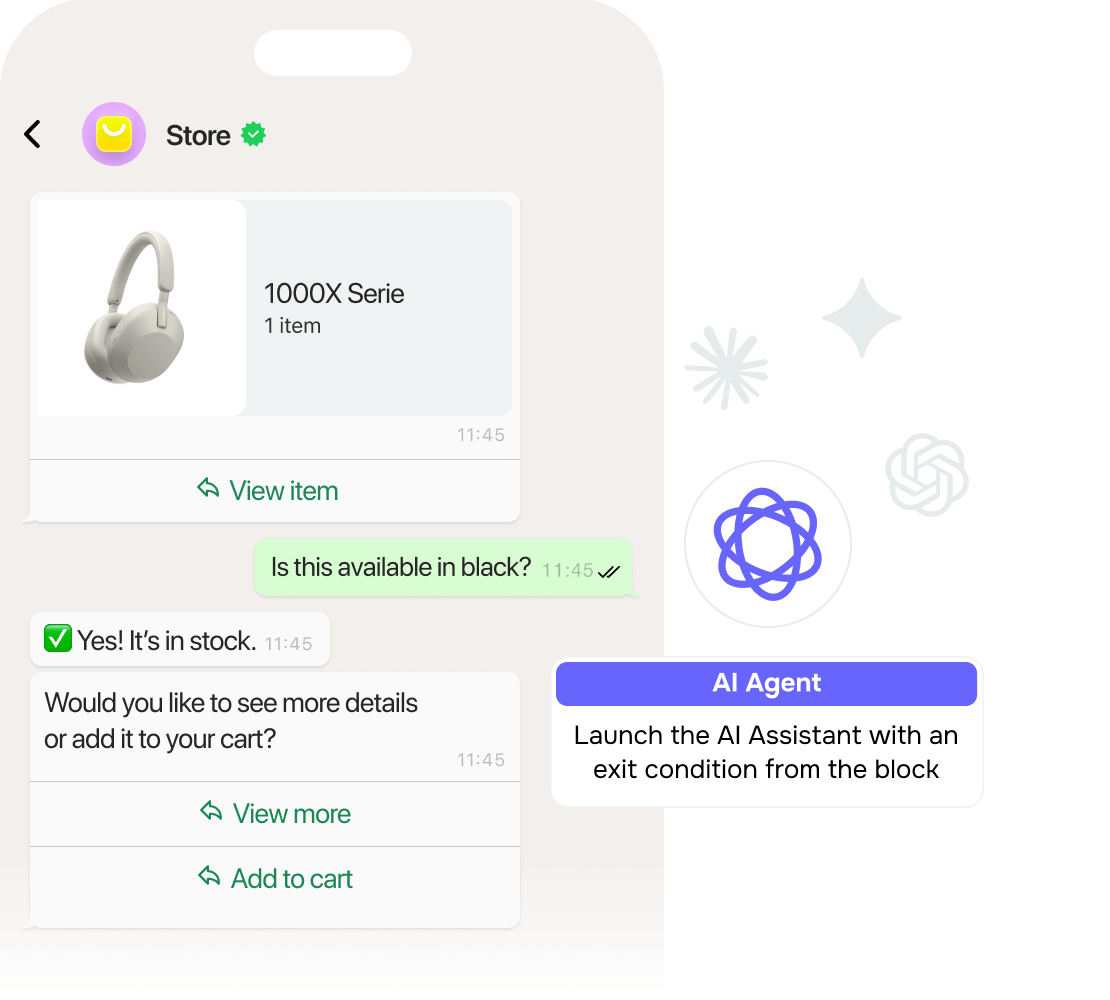
With WhatsApp Commerce, your chatbot answers instantly, qualifies leads, segments them, and sends personalized follow-ups 24/7, all powered by AI.

Get a self-running sales machine that nurtures and converts without missing a beat.

Sell straight from your catalog

Sell straight from your catalog

Your catalog shouldn’t feel like a maze.

WhatsApp Commerce is a faster, smarter alternative to traditional websites.

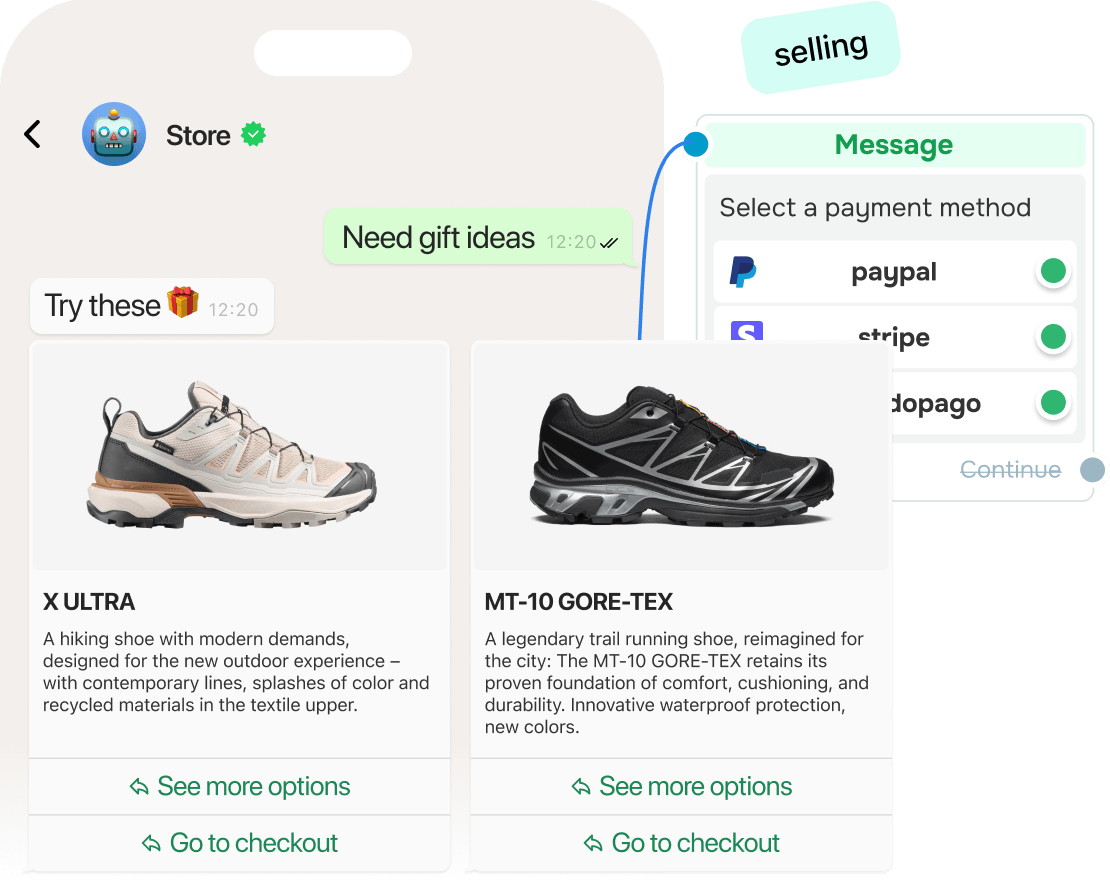
Your chatbot recognizes customer needs and instantly offers tailored product selections, no searching, no guesswork.

Once an order is placed, the “Catalog order” flow kicks in: your assigned team member gets notified, and buyers receive order details right in chat.

It’s seamless, personalized, and built for conversions.

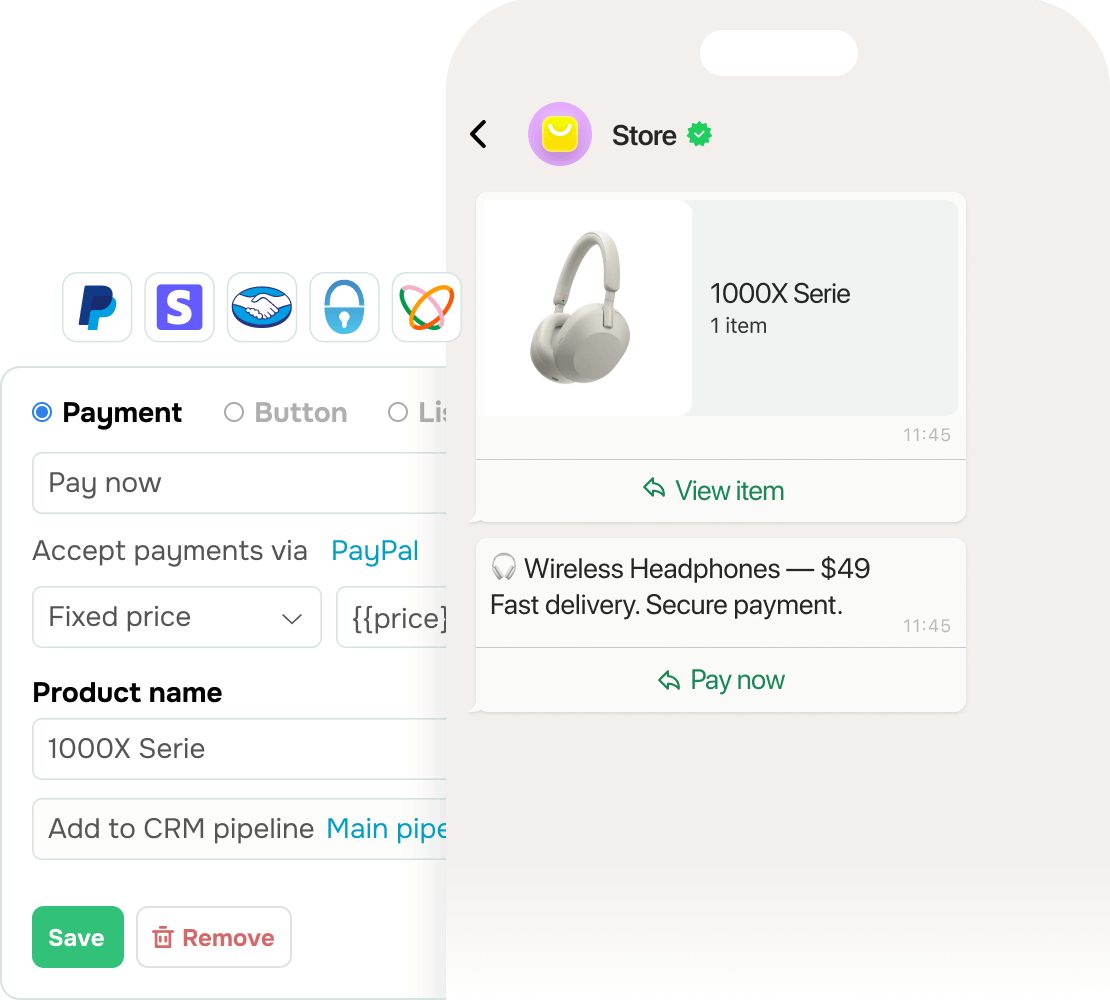
Accept in-chat payments

Accept in-chat payments

Sales shouldn’t depend on when your team is online.

WhatsApp Commerce lets customers place orders and pay in chats with no delays or manual confirmation.

Unlock revenue around the clock, even when your team sleeps.

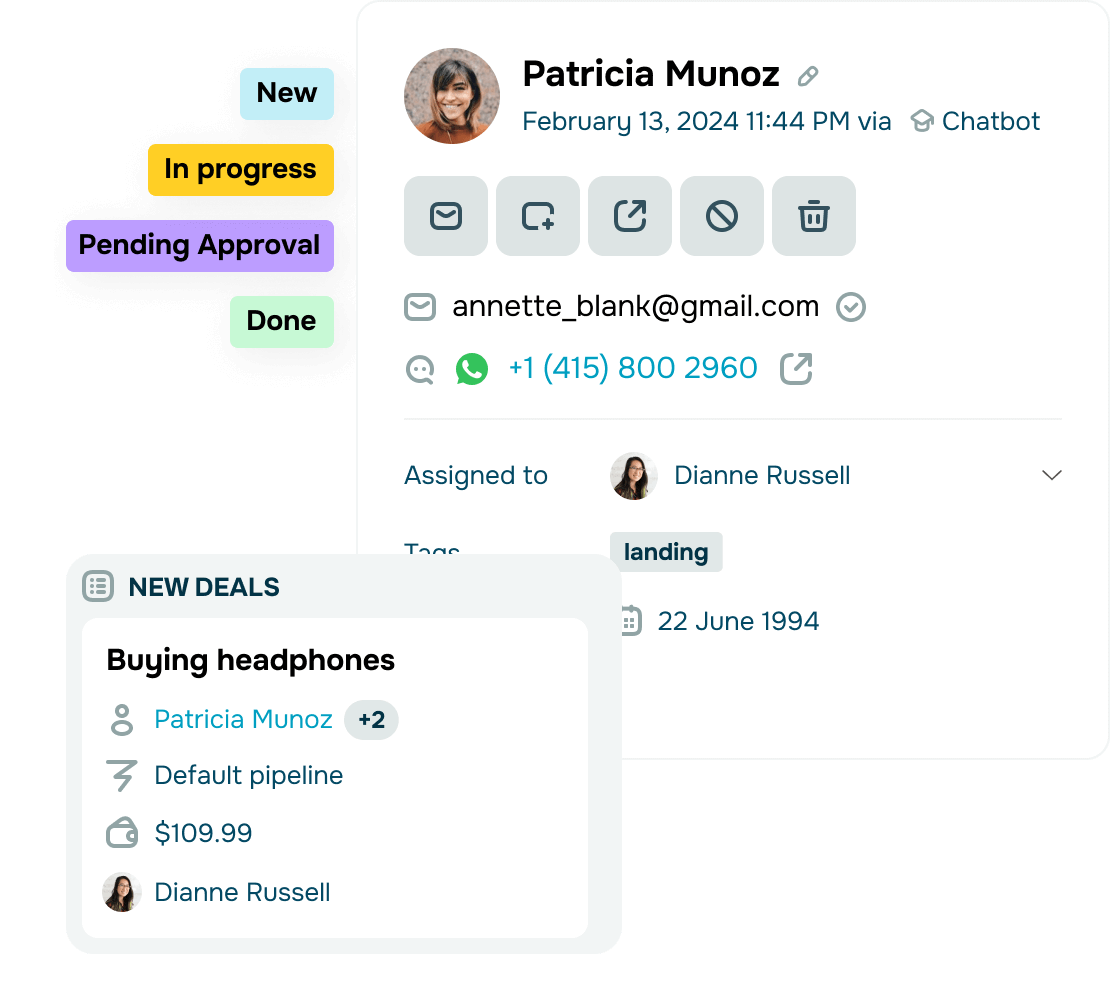
Autosync deals with your CRM system

Autosync deals with your CRM system

Losing track of deals means losing revenue.

With WhatsApp Commerce, deal information is passed automatically to your built-in CRM system, no manual updates needed.

Get full control over every interaction by tracking contact history, personalizing your sales flows, and never missing a single request.

This is how you can convert faster and follow up smarter without extra effort.

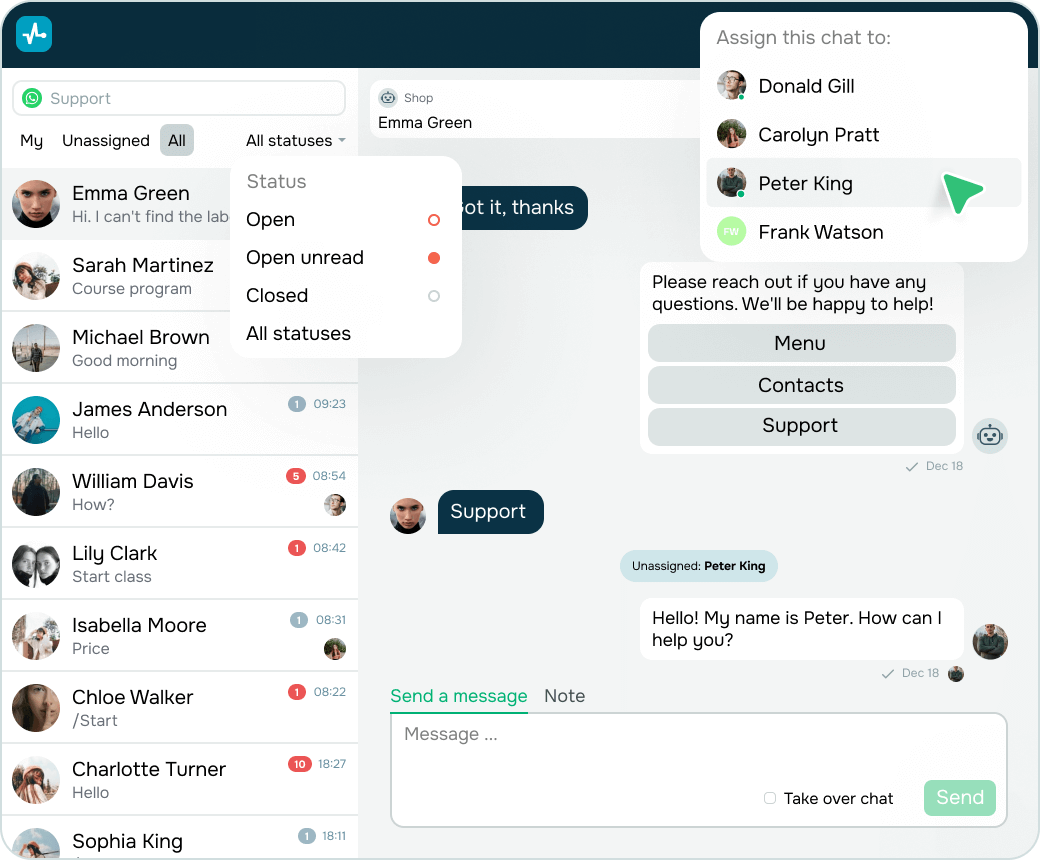
Work as a team without missing a beat

Work as a team without missing a beat

Team confusion costs time and trust. Shared inboxes often lead to overlaps, delays, or missed replies.

Assign chats, track progress, pause or restart flows mid-dialogue, and leave internal notes in SendPulse.

This way, everyone stays on the same page, and every customer gets a timely response.

app

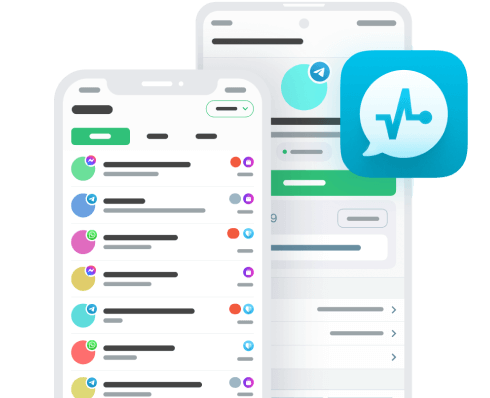
Manage WhatsApp Commerce on the go

Reply in real time, track orders, and move deals forward — all from your phone.

Learning hub

Your first step toward building a high-converting WhatsApp Commerce flow.
What is WhatsApp eСommerce?

What is WhatsApp eСommerce?

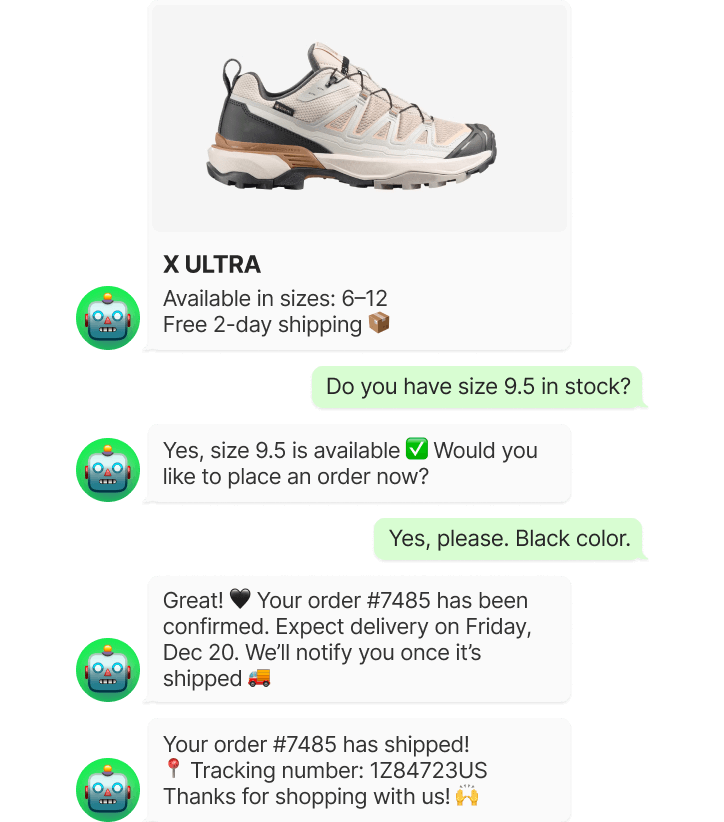
WhatsApp Commerce is a way for online stores to sell, support, and retain customers right in WhatsApp.

Instead of sending shoppers to multiple pages, brands handle discovery, questions, orders, and follow-ups in the app where customers already spend their time.
How does WhatsApp eCommerce work?

How does WhatsApp eCommerce work?

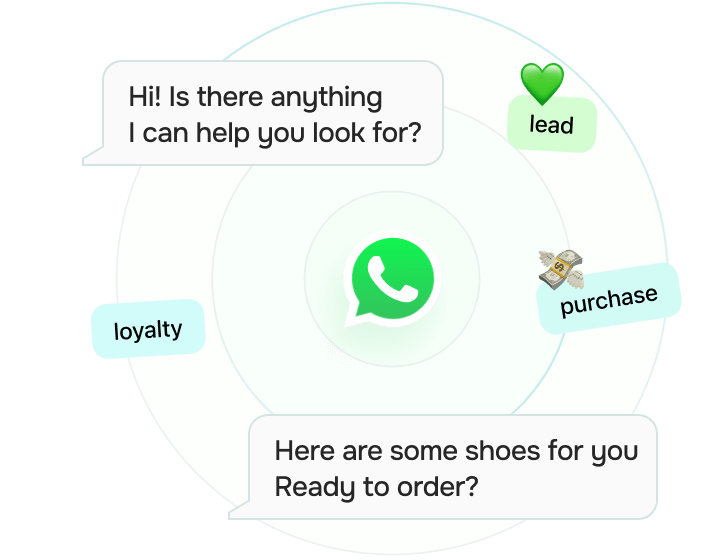
WhatsApp Commerce connects customer actions to automated conversations.

A user clicks a link or ad, enters a chat, and gets guided step by step based on their intent.

Messages, product suggestions, and follow-ups are triggered by behavior, not guesswork, so every interaction moves buyers closer to a decision.
What are common eCommerce use cases for WhatsApp?

What are common eCommerce use cases for WhatsApp?

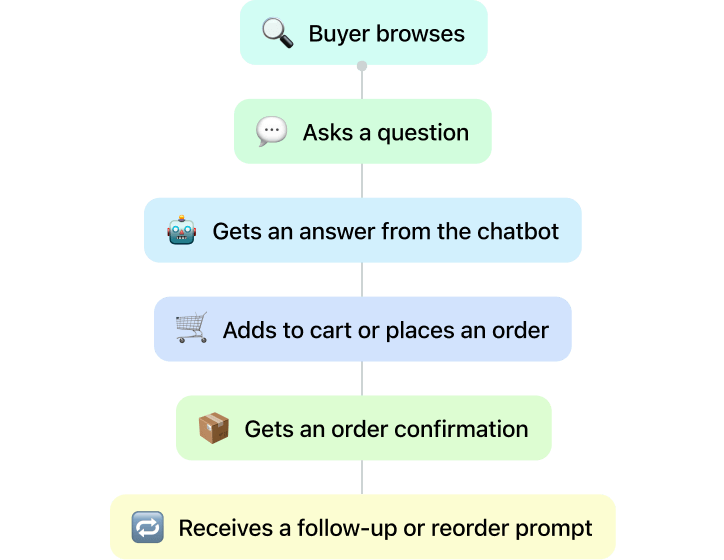
Stores use WhatsApp to stay present across the entire customer journey, not just when a buyer clicks.

It becomes a go-to channel for restock notifications, cart recovery nudges, loyalty campaigns, and even community building.

Many brands also run exclusive drops, time-sensitive offers, or early access sales through WhatsApp to reward active subscribers.

It’s fast, direct, and feels personal, which is exactly why it drives action.
How do you set up a WhatsApp eCommerce store?

How do you set up a WhatsApp eCommerce store?

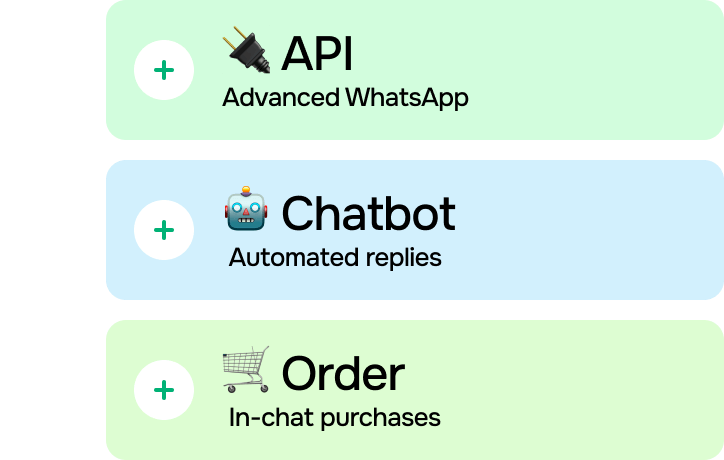
To get started with WhatsApp Commerce, you connect WhatsApp Business API to a chatbot builder, define how conversations should go, and link it to your sales and customer information workflows.

From there, you design automated journeys that match your business goals and start conversations through ads, links, or existing sales channels.
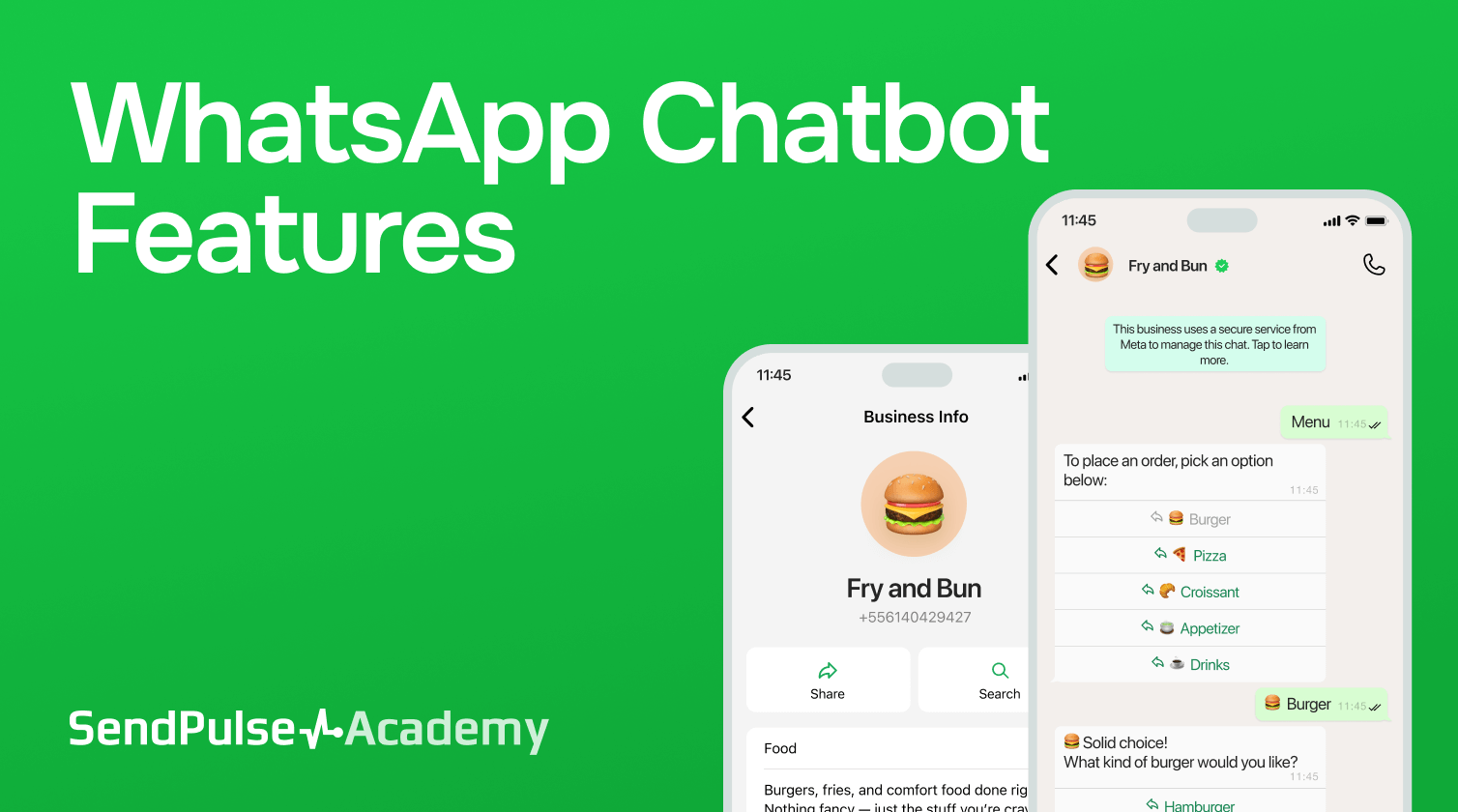
The WhatsApp chatbot toolkit: What’s inside?

Discover how smart messages, templates, and robust automation turn your WhatsApp chatbot into a sales-ready assistant that works 24/7.

Study online with SendPulse Academy

Create a WhatsApp chatbot with SendPulse

Set up your WhatsApp store, grow your audience, and automate sales with AI.

Effortless WhatsApp Commerce that grows your business

Guide buyers smoothly through their journey with intelligent automation, prompt responses, and impactful outreach.

icon
Send high-converting campaigns

Segment by tags, subscription dates, or variables and deliver only the most relevant offers. Meta’s delivery optimization boosts open rates and lowers costs.

icon
Talk for free after ad engagement

When users come from a Meta ad or CTA on Facebook, you get 72 hours of free messaging. Guide them to a product, nurture leads, and seal the deal while the clock’s running.

icon
Trigger flows with approved templates

Start chats using Meta-approved templates from promo reminders and order updates to login codes. Personalize each message with dynamic variables.

icon
Qualify leads with an AI chatbot

Let your chatbot answer FAQs, recommend products, collect feedback, and qualify leads while you sleep. It’s your 24/7 conversion agent.

icon
Collect data in chats

Send quick forms to capture names, emails, dates, or choices. Responses auto-save to subscriber profiles for easy follow-ups and segmentation.

icon
Auto-save responses in Google Sheets

Sync WhatsApp chatbot data points to Google Sheets. Log leads, update statuses, or pull info for personalized replies without manual effort.

FAQ

No, you can easily sell on WhatsApp without a website.

Once your chatbot and catalog are live, you can guide users through discovery, ordering, and payments in chats. Still, you can always link to your website or landing pages if needed.

You need Meta’s Business verification and template approval.

Before running campaigns, verify your business with Meta and submit message templates for review. Once approved, you can send personalized promos, updates, and triggered campaigns using SendPulse's built-in tools.

Absolutely! WhatsApp Commerce works across borders.

Just make sure your catalog, chatbot language, and payment options are adapted to your international audience. You can also localize flows based on the language or region.

No coding is required with SendPulse’s WhatsApp chatbot builder.

You can launch WhatsApp Commerce flows using a visual interface. Drag, drop, and customize templates to meet your needs. Customer support is available 24/7 whenever you need a hand.

It’s ideal for retail, beauty, education, services, and more.

Any business that sells directly to customers and relies on communication can benefit, whether you're a small eCommerce brand or a service-based company. WhatsApp helps you respond faster, sell smarter, and retain customers for longer.

official-icon
Official WhatsApp Business Solution Provider

Official WhatsApp Business Solution Provider

Start selling with WhatsApp Commerce today

Turn conversations into revenue, automate your sales flow, and give customers a faster way to buy.

icon

Turn interest into purchases

icon

Convert interactions into sales

icon

Recover abandoned carts

icon

Show products in WhatsApp

icon

Sell 24/7 in chats

icon

Boost revenue, not payroll