Academy settings overview
To configure your academy settings, go to your academy and click Academy settings.
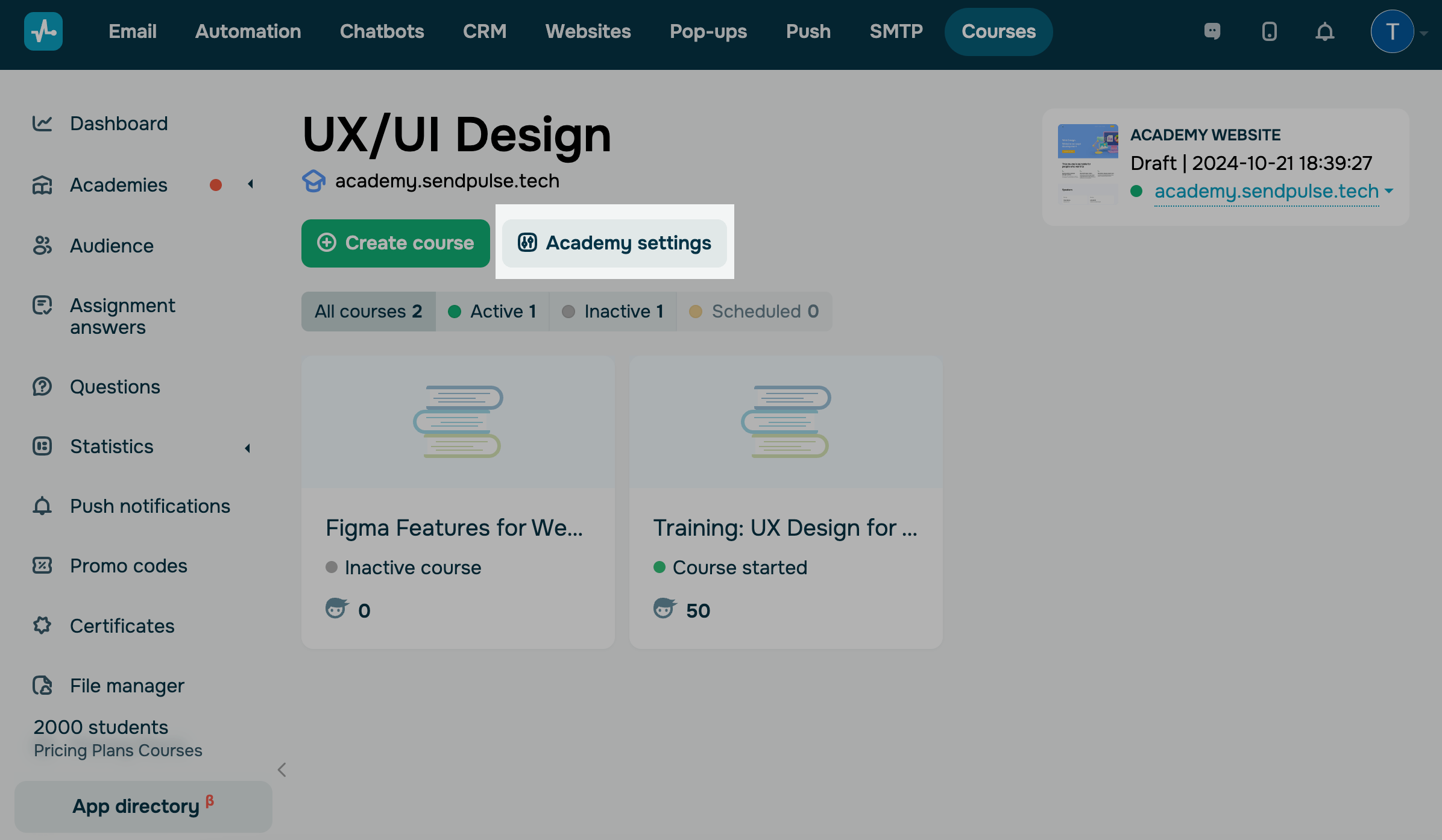
Select a tab:
| General | Academy settings, including the name, visibility in student accounts, recommended courses, and favicon. |
| Student account | Student account settings, including the theme, color palette, and text styles. |
| Student account banners | Banners displayed in student accounts. |
| Login screen | Student login screen layout. |
| Text | Element names in student accounts. |
Last Updated: 23.05.2025
or