










Trusted by 200,000 customers. Loved by 6K+ reviewers

ufs rocher dominos jooble viessmann puma samsung lot swatch karcher PWC radisson tata jackwolfskin sofitel

Start with the hard part already mapped out

Get ready-made flows for common customer interactions and focus on what actually needs your input.

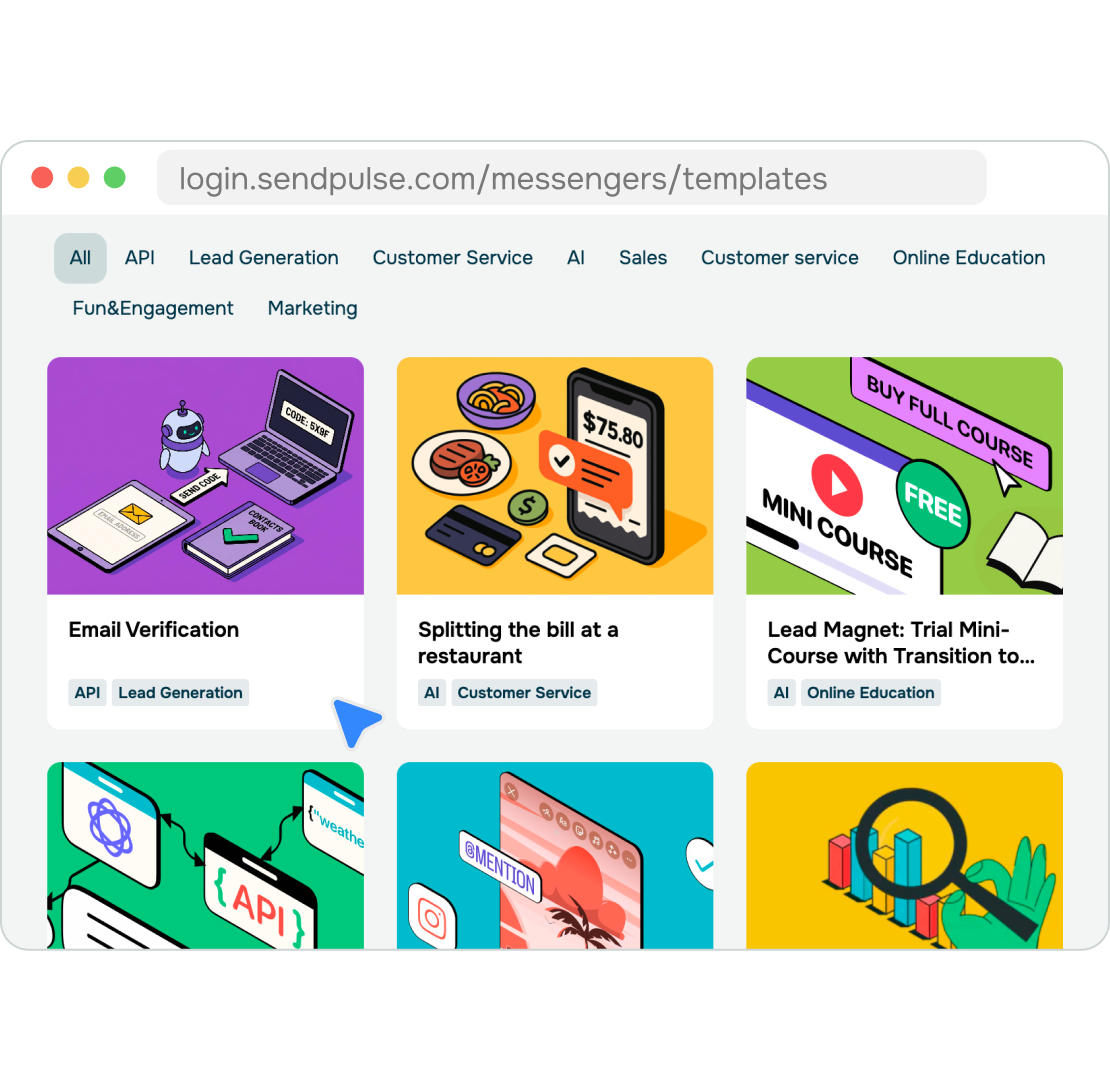
Pick a template and get started

Pick a template and get started

A blank builder can leave you second-guessing the flow before there is anything to test. With a template, you start from a laid-out conversation structure, which makes it much easier to see what works and what needs changing.

Pick a chatbot template for booking, eCommerce, or customer support. Copy it and customize the conversation to fit your needs. Once it's in your chatbot, SendPulse highlights the parts that still need setup in the drag-and-drop builder to give you a clear next step.

Reuse flows across touchpoints

Reuse flows across touchpoints

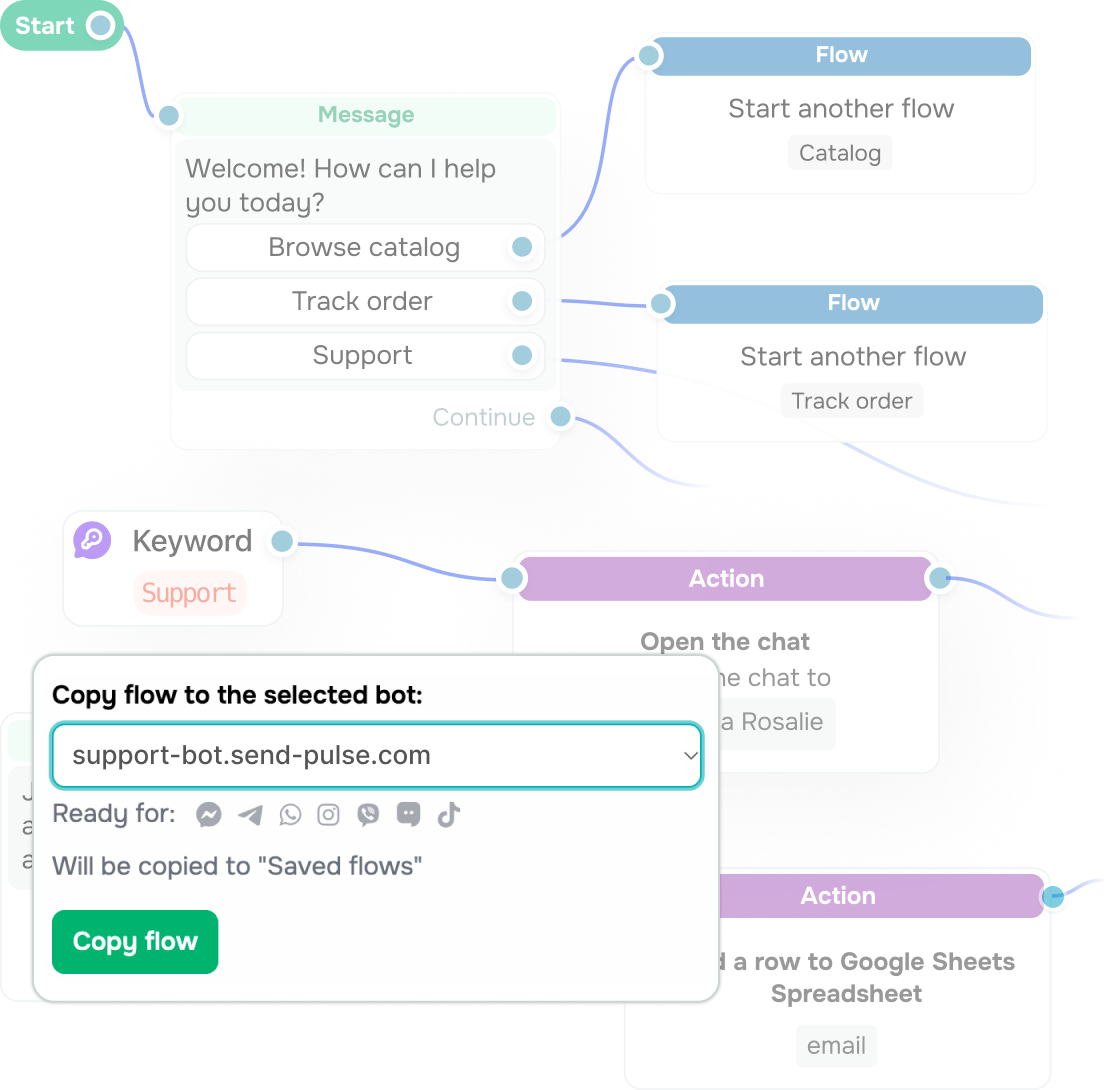
Even a simple chatbot interaction can mean another flow to build from scratch. When you handle marketing, sales, and support, that work piles up fast.

With 45+ templates already in the library and more on the way, the next interaction is more likely to have a solid starting point waiting for it. You can pick up one flow and adjust the parts that change from one campaign, customer journey, or support case to the next.

Add the steps your workflow needs

Add the steps your workflow needs

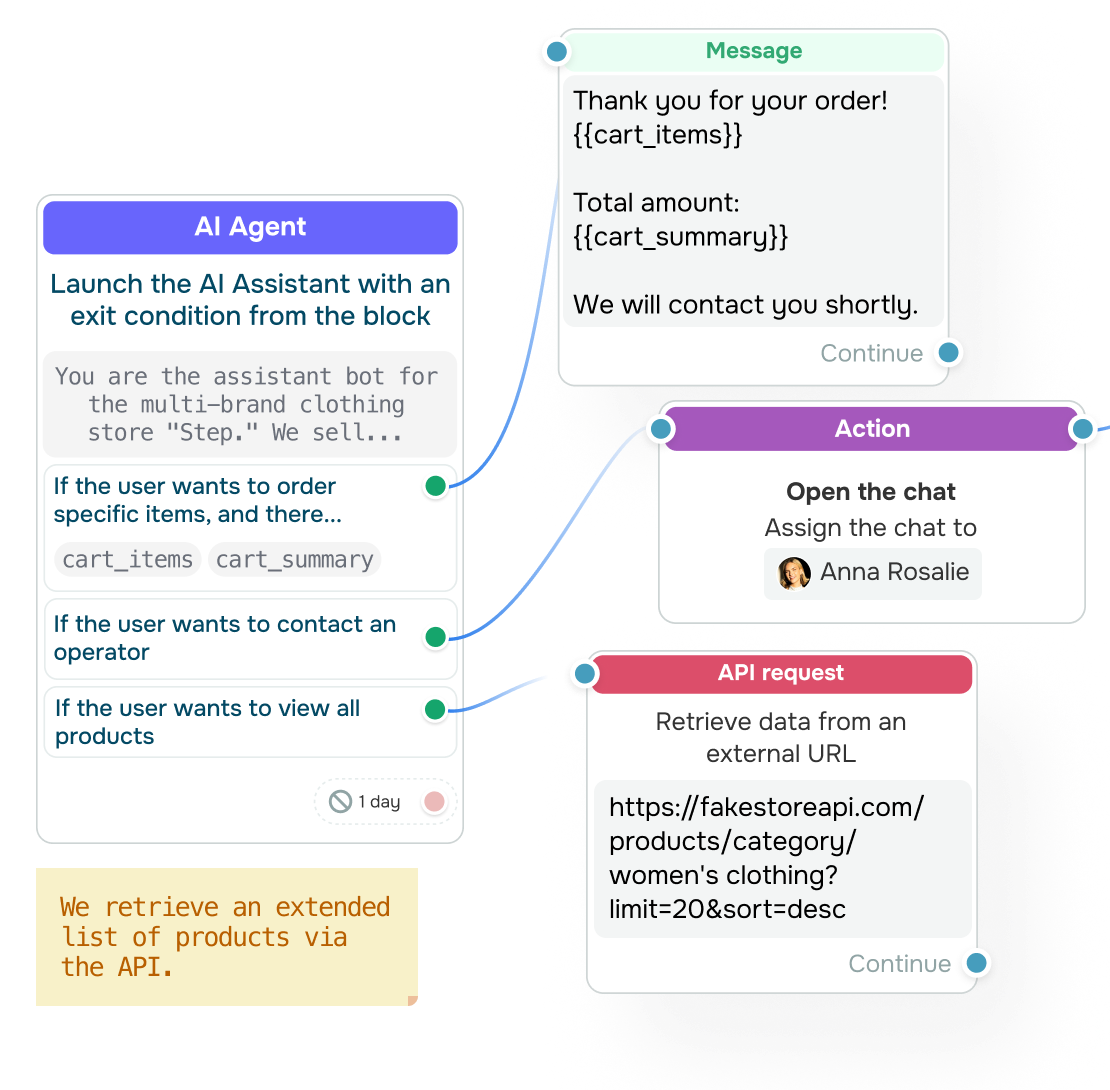
A ready-made chatbot flow doesn’t lock you into someone else's process. You have a choice to keep the steps that already make sense, and tailor the conversation, setup, and data you collect around your workflows.

And if your business needs something the template never had, you can add it. That can be an API call, a payment step, or an agent handoff. Map the variables before launch to make sure all data points land in the right fields, and leave team-only comments in your flow so nobody has to reverse-engineer it later.

Reach customers across more messaging apps

Reach customers across more messaging apps

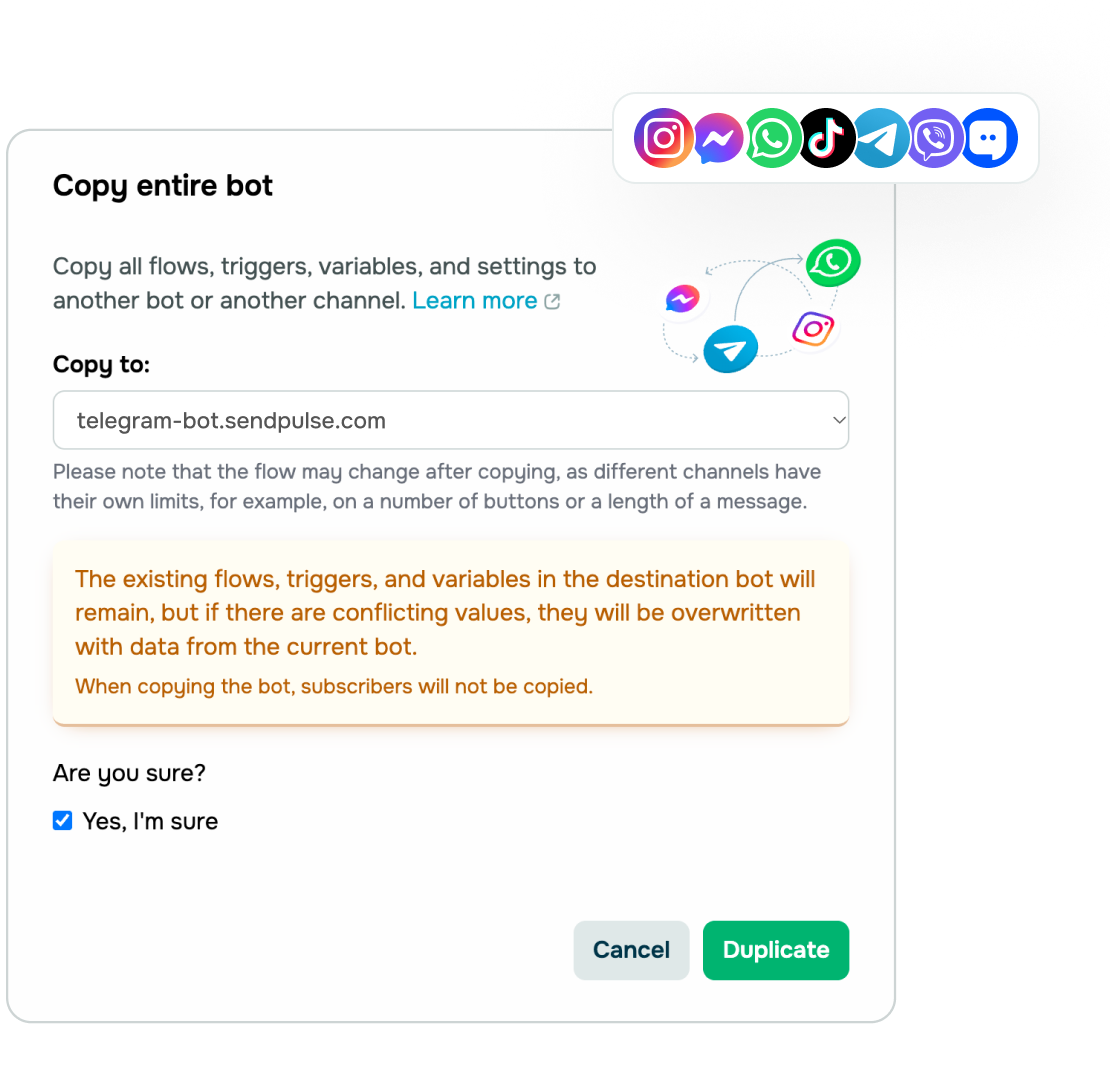
Once a customer journey is working well in one messaging app, you can add the same chatbot flow to another one. SendPulse copies the flow and flags elements that need adjusting to fit the new app, so edit only a few elements instead of the whole flow.

Put together, this means less busywork for your team and one customer journey that works the same way in every app you use.

Learning hub

Discover more about how chatbot templates work and where they save the most time.
What is a chatbot template?

What is a chatbot template?

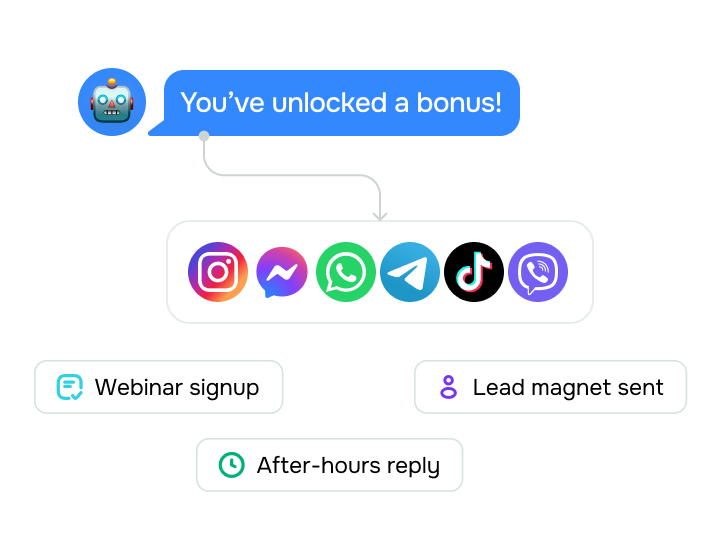
A chatbot template is a pre-built conversation flow designed around a specific job, like webinar signup, lead magnet delivery, or after-hours replies. The messages, conditions, and actions are already in place, so you don't have to map out the conversation from scratch.

Add a template to your chatbot and replace the sample text with your own. You can also adjust the messages, conditions, and actions to fit your workflow and brand.
When should I start from a template?

When should I start from a template?

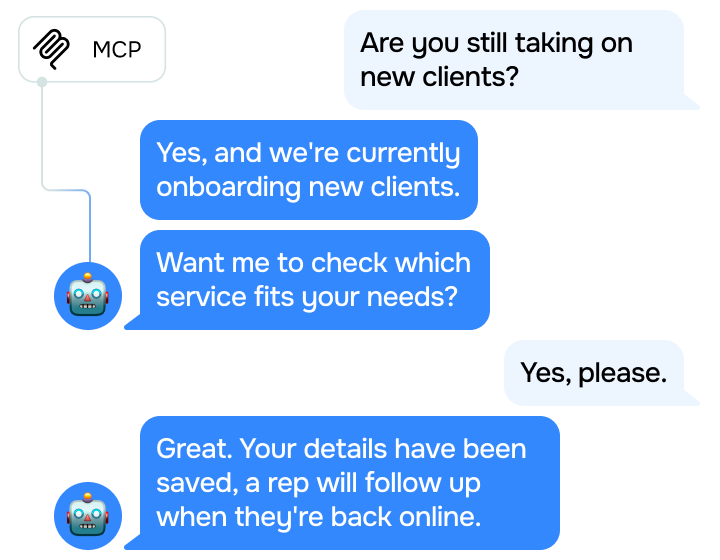
Chatbot templates are useful for recurring workflows that follow a predictable path, such as lead capture, scheduling, or support. This path is much the same for most businesses, which is why starting from a template saves you time.

Building from scratch makes more sense when the conversation relies on rules specific to your product or business. Often, the practical middle ground is to choose the best-fitting template and add the steps, filters, and integrations your workflow calls for.
How do I choose a chatbot template?

How do I choose a chatbot template?

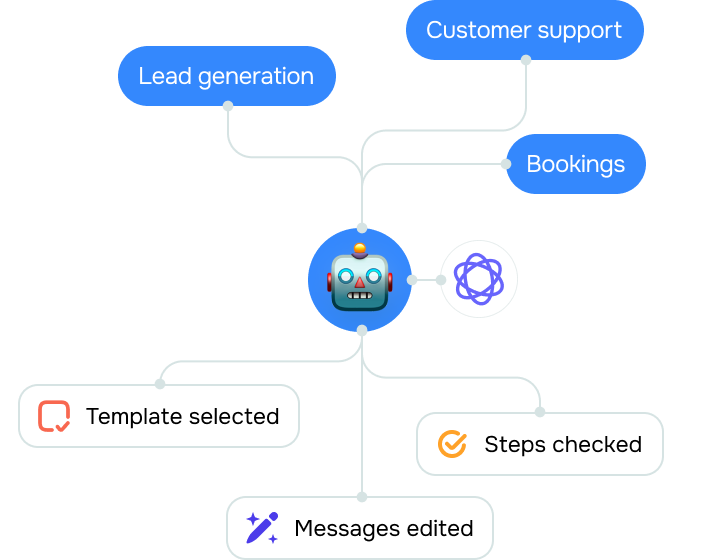
Start with the job you want your chatbot to do, then choose from a range of templates for lead generation, bookings, eCommerce, and customer support to find the one that matches your goal.

Go over your template's steps and actions to make sure they match how you want the conversation to run, then edit from there. Every message, condition, and action is yours to change.

Run chatbot templates on your terms

Get the setup right in SendPulse, and editing the flow later stays simple.

icon
Edit in the visual builder

Move, add, or change flow elements with drag-and-drop editing. Routine flow updates don’t need developer help.

icon
Preview the chat experience

See how the conversation will appear in the messaging app from the customer’s perspective before you copy it.

icon
Choose the first move

Start your flow with a keyword, an event, or a click. A direct link works too, when you need a dedicated entry point.

icon
Capture in-chat payments

Let customers make payments right in the messaging app as part of the same chatbot flow.

icon
Generate a flow with AI

If the template library doesn’t have a close match, tell AI what the conversation should do, and it drafts the flow for you.

icon
Extend your flow without code

Add API calls, payments, CRM actions, and other steps to tailor the flow to match your own process.

FAQ

No. Choose your chatbot, copy a template, and edit it in the drag-and-drop builder. You can move elements and update text right in the layout with no coding.

Yes. Once you copy a flow, you can edit its text, images, cards, buttons, filter conditions, delays, and variables. You can also add elements the original template didn't have, like a payment, an API call, or a handoff to a human agent.

Some templates include elements available with paid plans only, so copying those requires an upgrade.

The library includes templates for Instagram, WhatsApp, Facebook Messenger, TikTok, and more. Not every template works with every app since some depend on elements only certain apps support.

You have two options: generate a flow with built-in AI or build one from scratch in the no-code builder. Once it’s ready, you can copy the flow to your other chatbots instead of building it all over again.

Find a chatbot template for what you're building

Browse the chatbot template library, pick a flow that fits, and copy it to your chatbot.