











Learning hub
Explore what goes into a custom AI chatbot and how to tailor one to your rules and goals.
What is a custom AI chatbot?
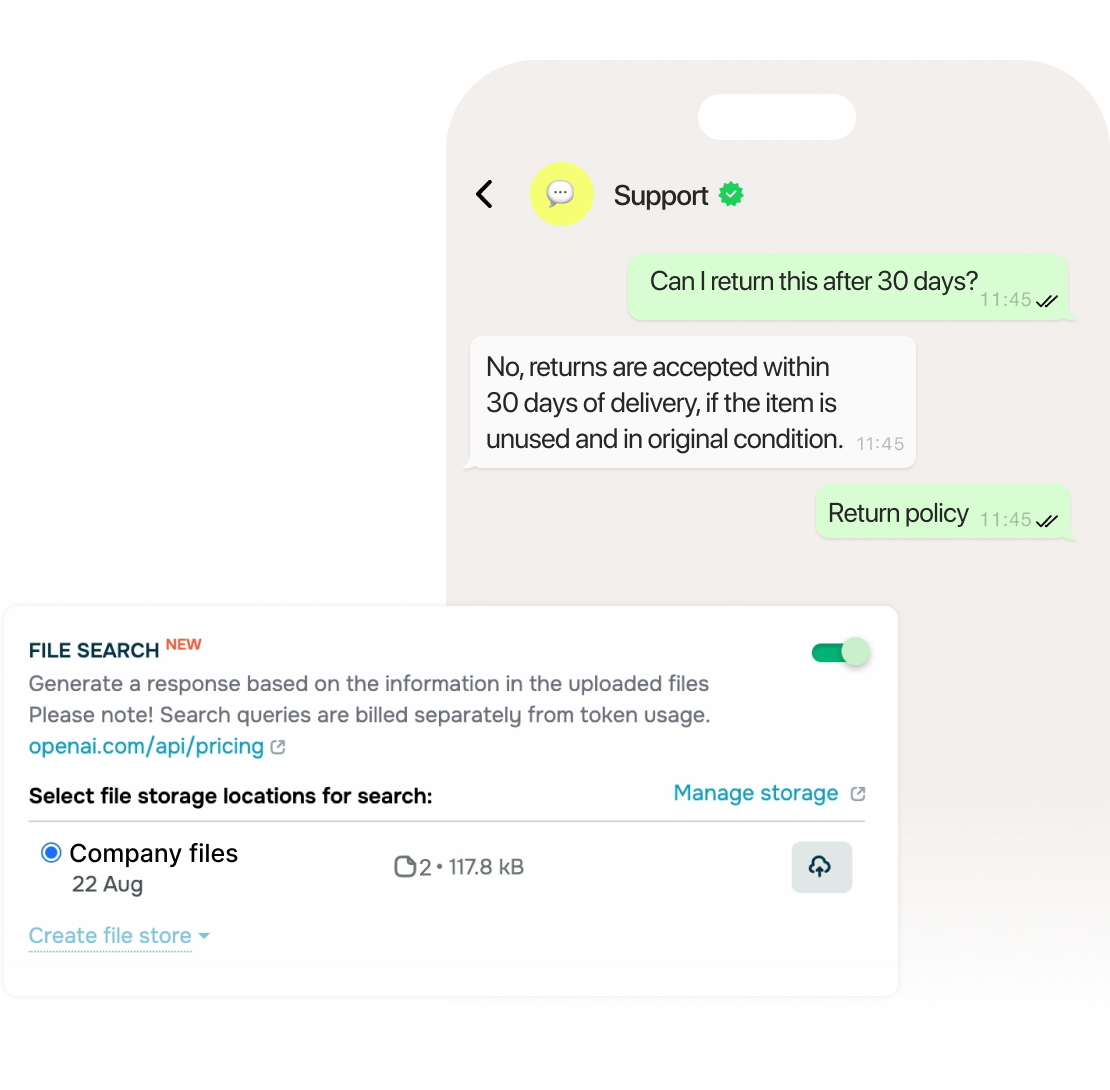
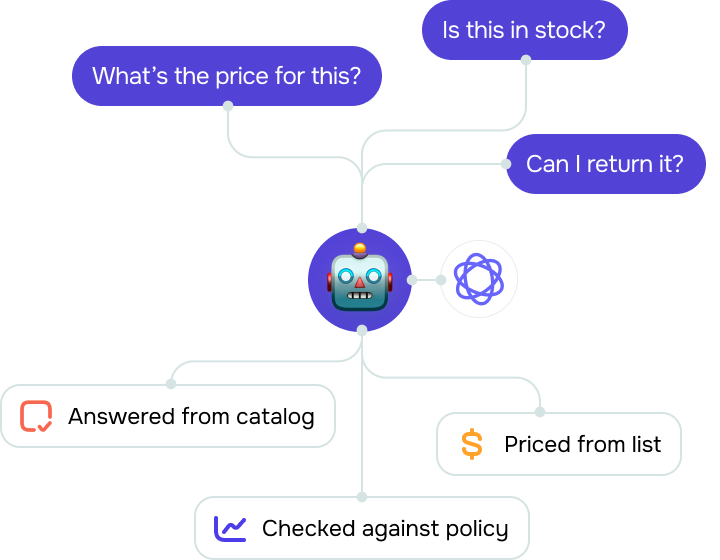
A custom AI chatbot runs on your business information instead of working as it comes out of the box. You add your own search sources, such as your catalog, pricing, and support policies, and write the instructions it follows in every reply.
Unlike generic chatbots that rely mainly on public information and preset behavior, custom chatbots know your products, respect your policies, and match your tone.
Why use a custom AI chatbot instead of a generic one?
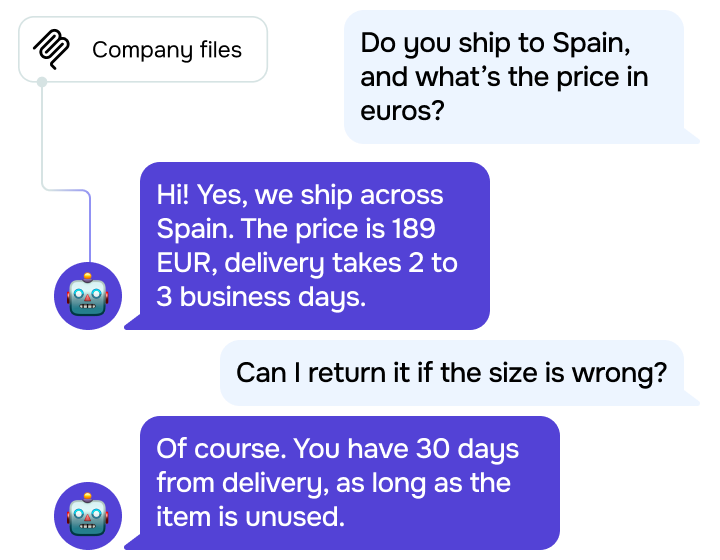
A customized chatbot draws from the information your business uses, which helps keep its replies aligned with your documents, policies, and current data.
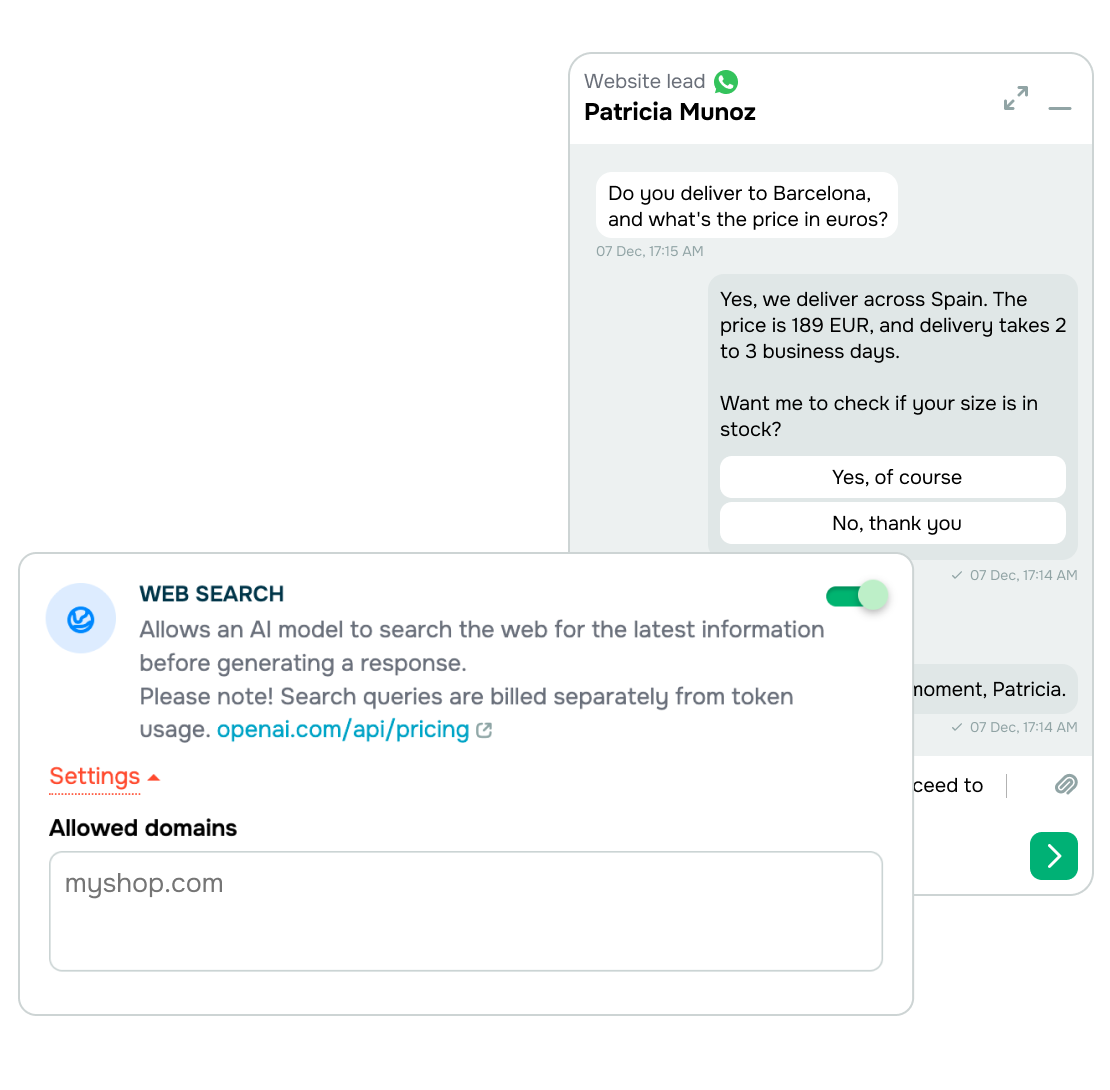
You set the tone, rules, and reply style, so your chatbot communicates the way your brand does. When location matters, you can set the country or region your chatbot searches from, so customers get answers that apply to them.
What do you need to create your own chatbot online?
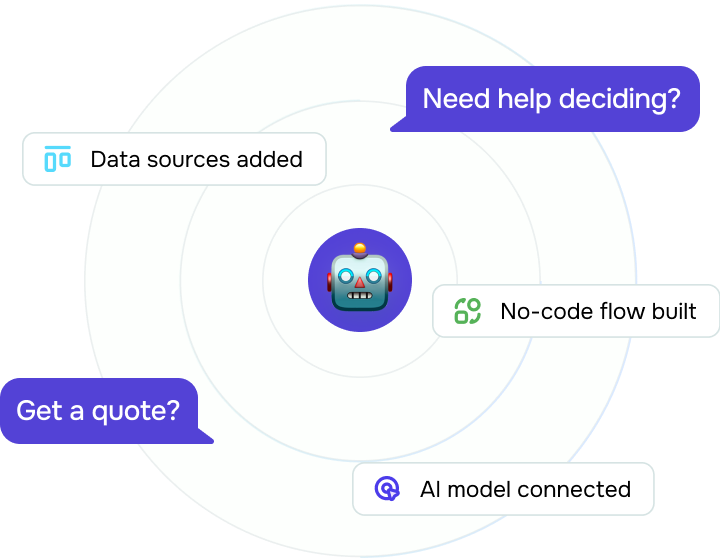
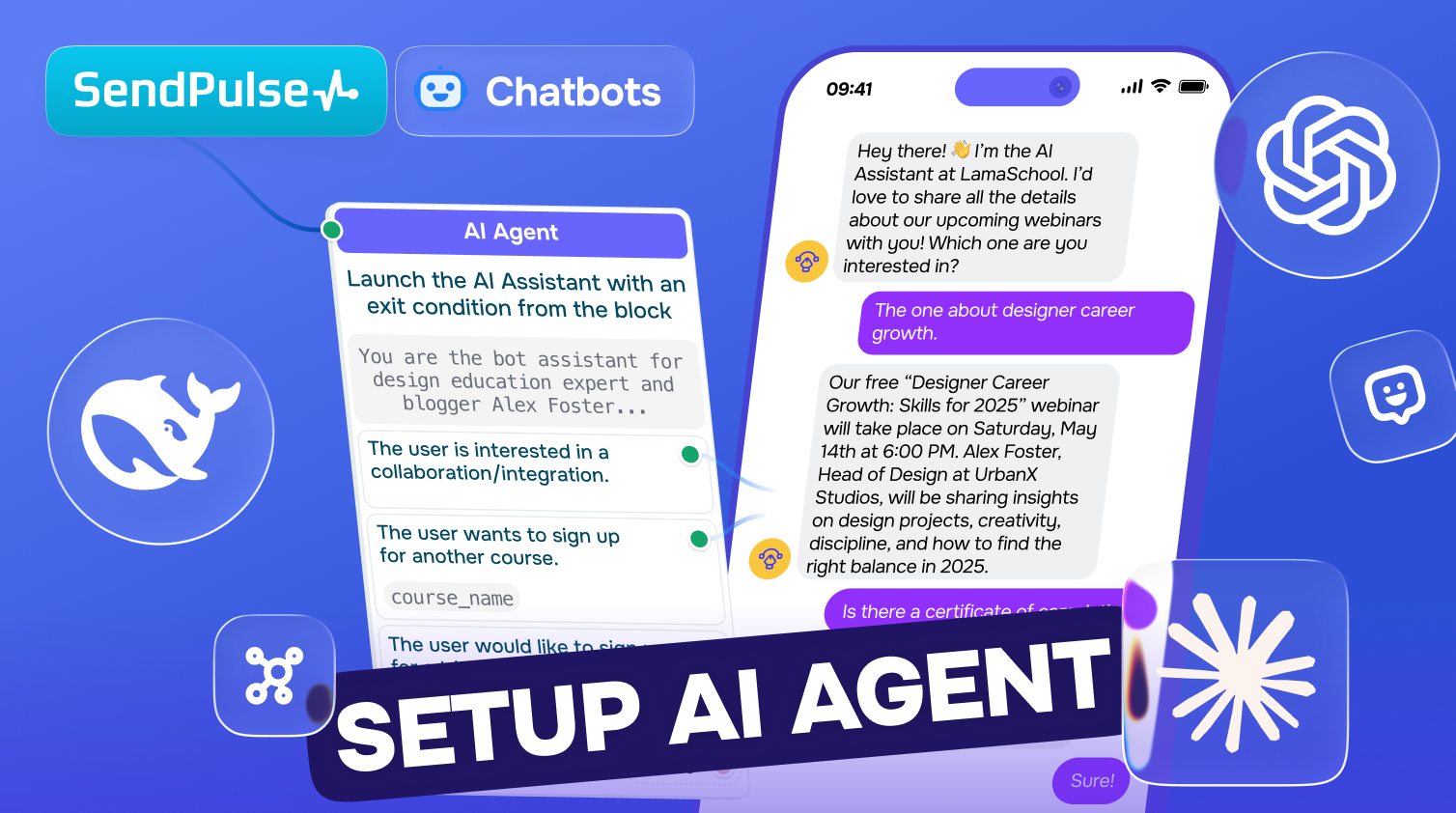
To build your own chatbot online, choose whether it will run in a messaging app or live chat, then use a no-code builder and an AI agent to handle conversations.
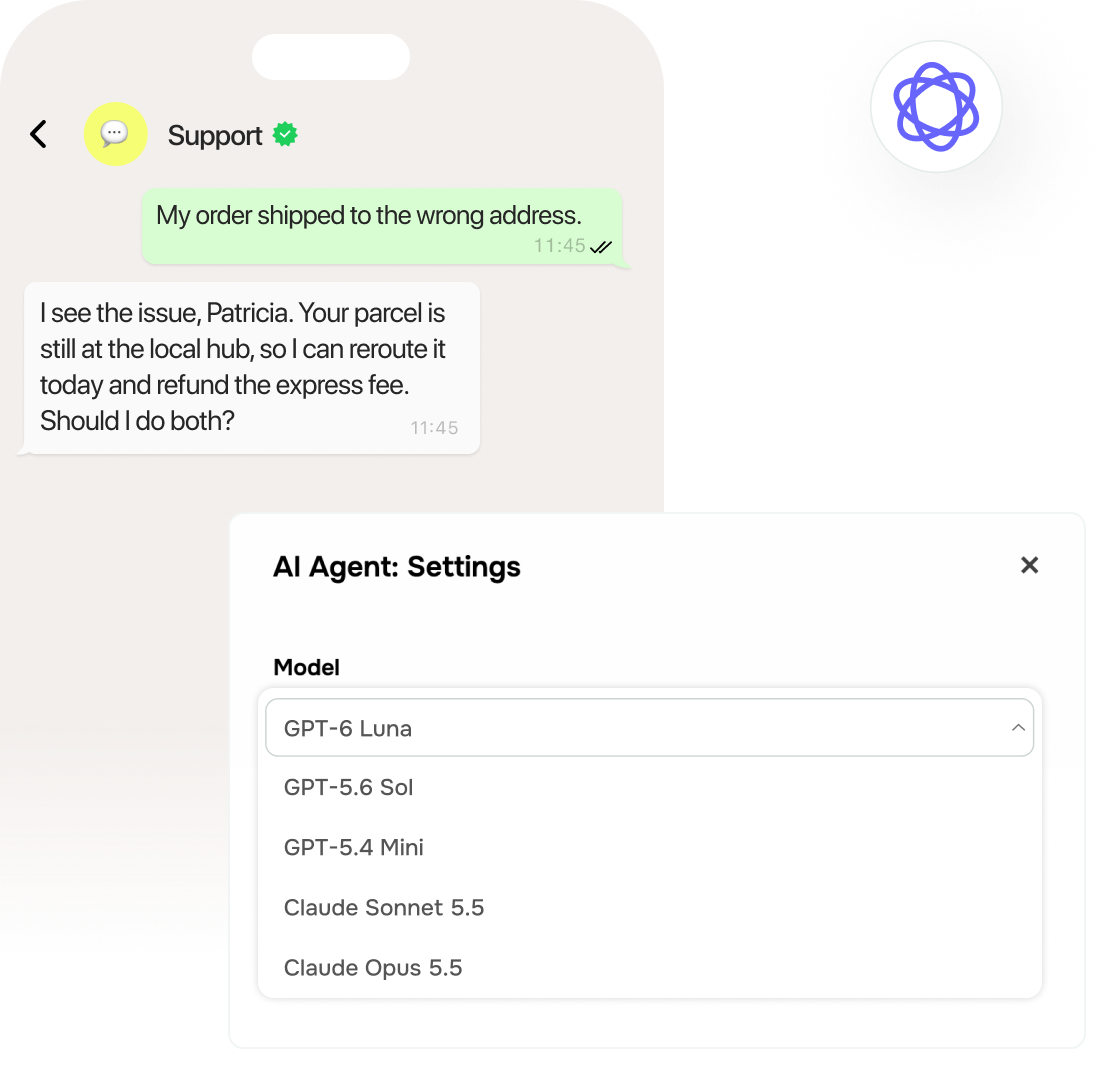
Add your own data, like product information, policies, or pricing, so that your chatbot stays on track. To connect an AI model, use an API key from the provider of your choice.
How do you build and train a custom chatbot?
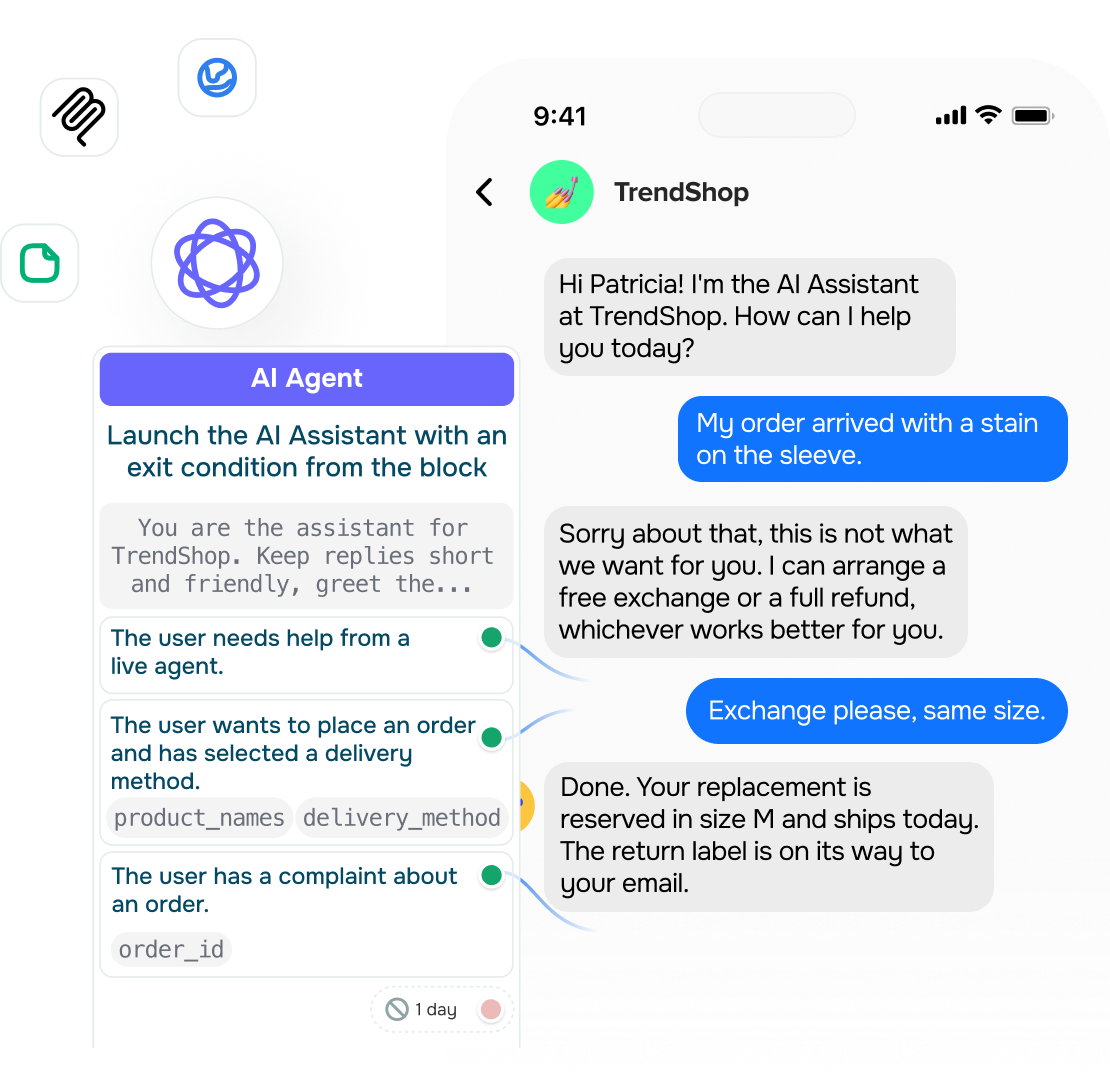
To build a custom chatbot, connect your messaging channel or live chat, choose an AI model, and add the instructions that define how your chatbot should interact with customers.
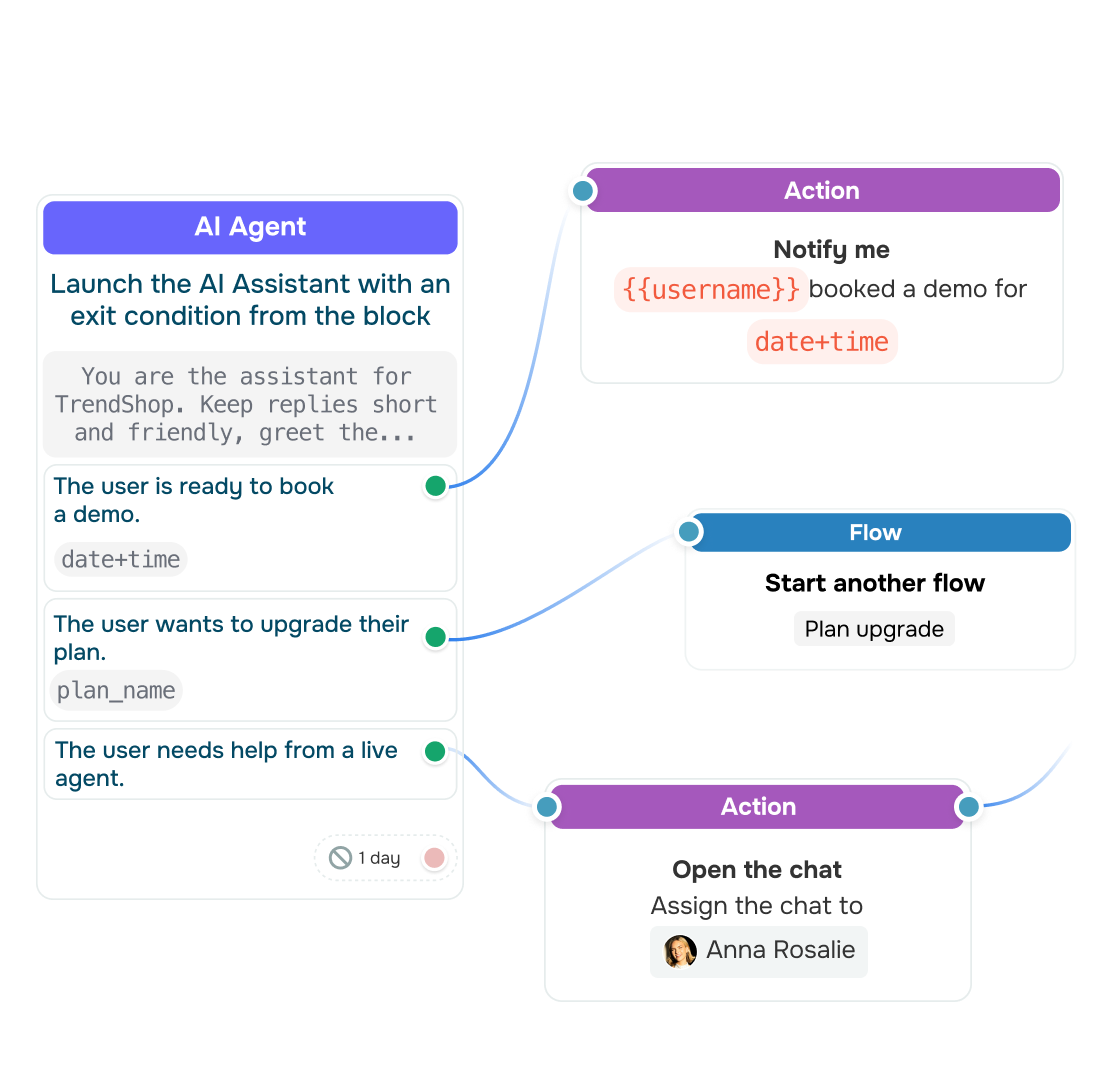
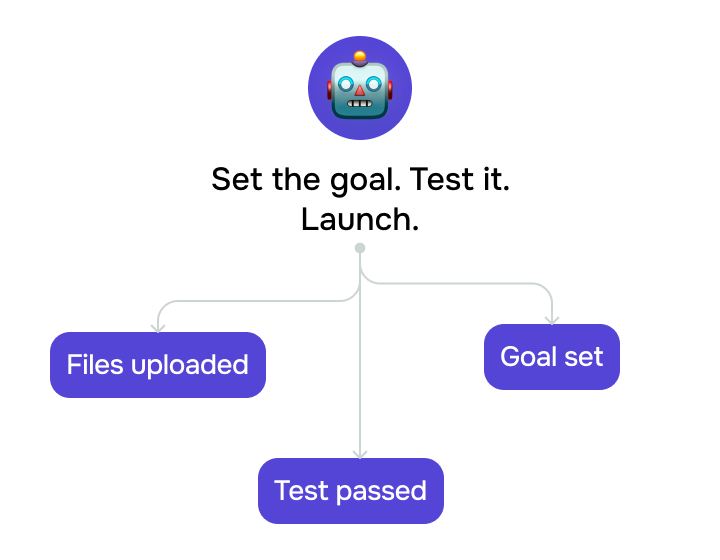
Upload your files, turn on web search, and adjust the context size or other settings to match how your conversations run. Set clear goals for the AI Agent, test the chatbot with real scenarios, and refine the setup.
Once your chatbot works the way you want, let it create deals in your CRM so that every conversation lands in your pipeline.




or