









Trusted by 200,000 customers. Loved by 6K+ reviewers

ufs rocher dominos jooble viessmann puma samsung lot swatch karcher PWC radisson tata jackwolfskin sofitel

Support, follow up, and sell from the same live chat

Give visitors the help they need and keep the conversation going when there's a reason to follow up.

Let live chat handle the routine questions

Let live chat handle the routine questions

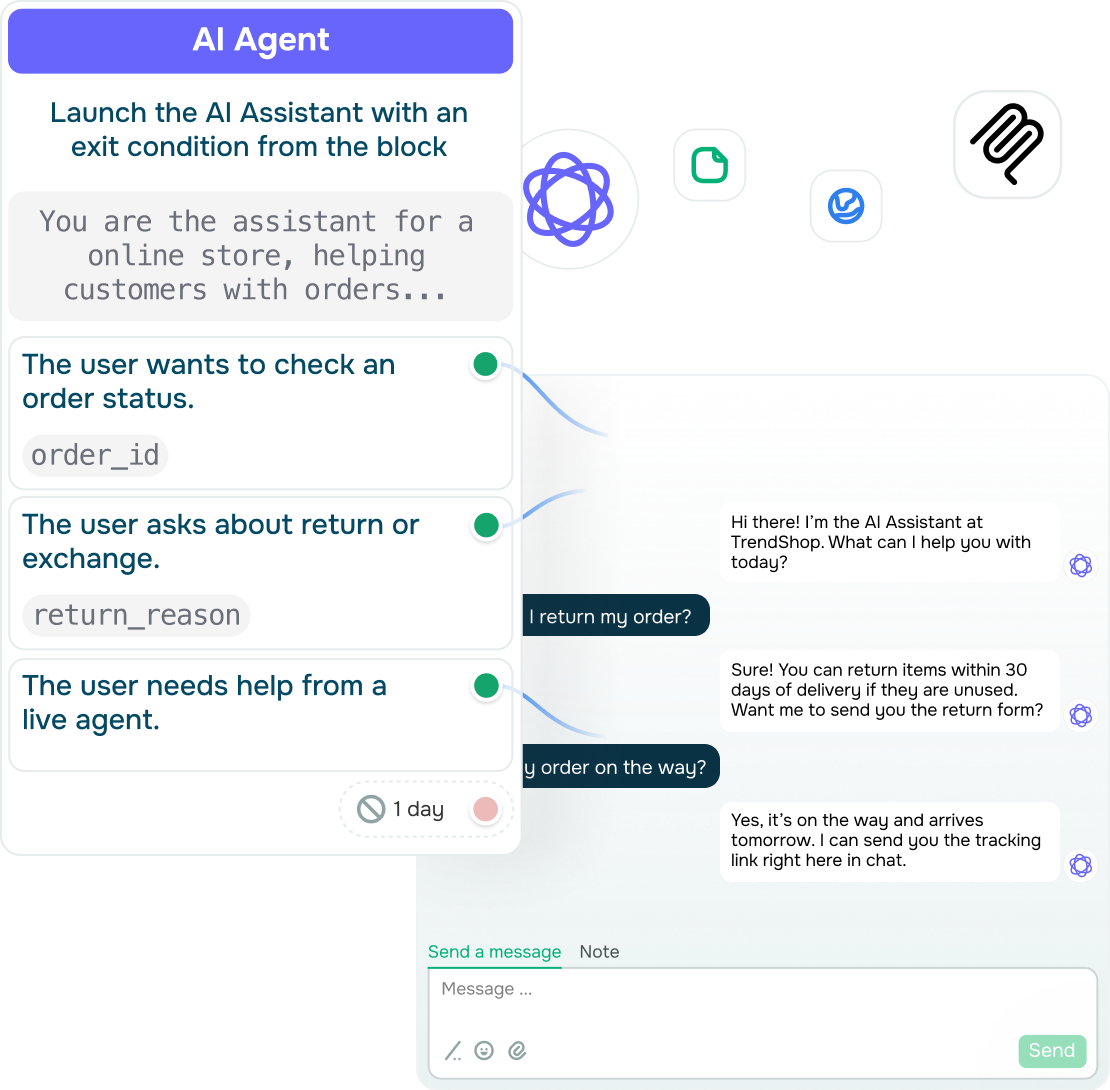
Peak hours often bring new messages in droves and make your inbox swell overnight. Luckily, routine questions can still get answered, even when your team is busy.

An automated live chat flow can handle them using the answers and rules you have already approved. Customers get the help they need right away, and your team no longer has to explain the return policy for the hundredth time.

This way, more visitors get an instant reply, while your team stays focused on conversations that need a closer look or a personal touch.

See the full picture before you reply

See the full picture before you reply

Few things frustrate customers more than having to explain their issue all over again to a new person. Before long, support starts to feel disjointed, satisfaction drops, and simple problems take longer to solve.

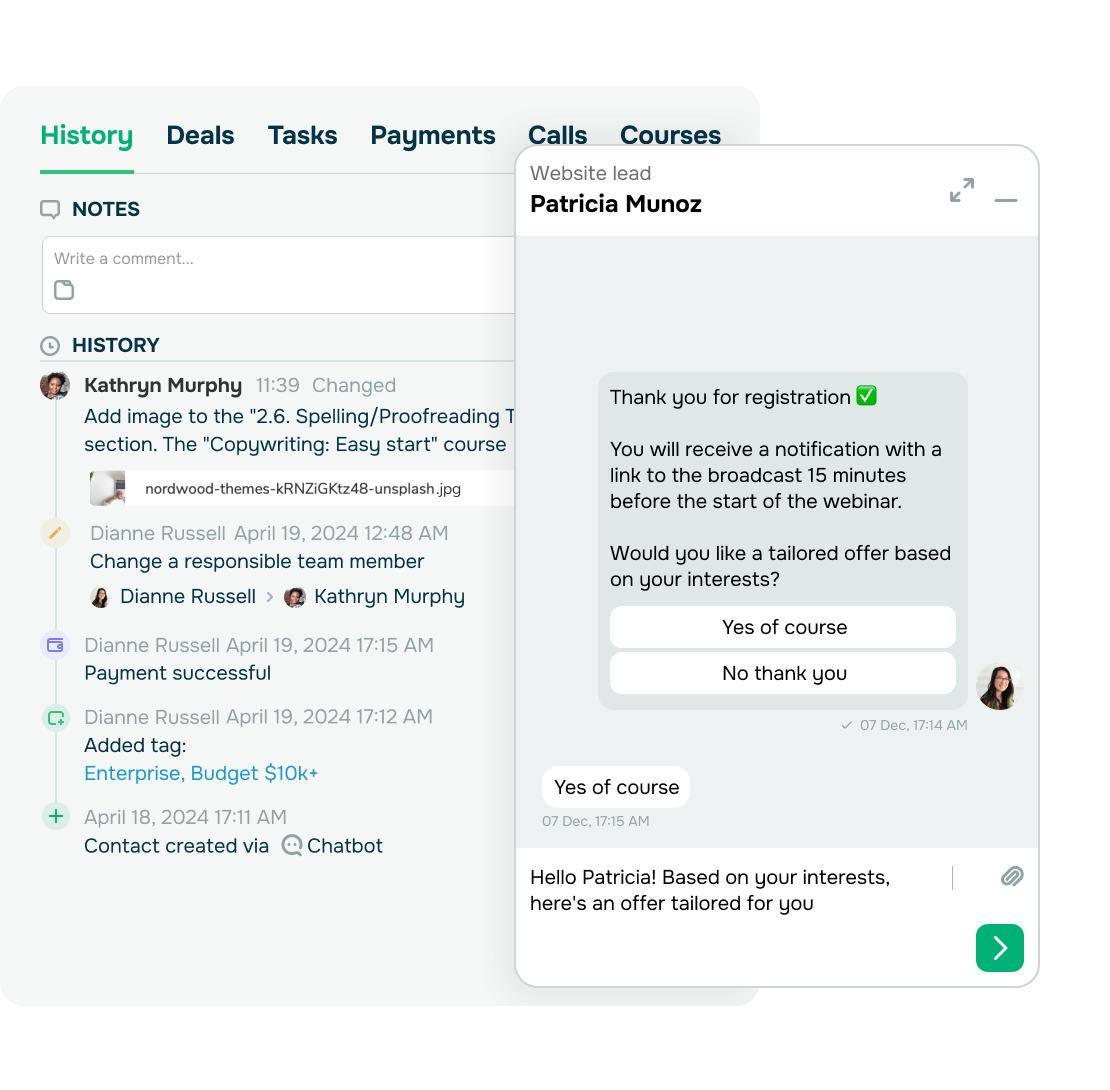
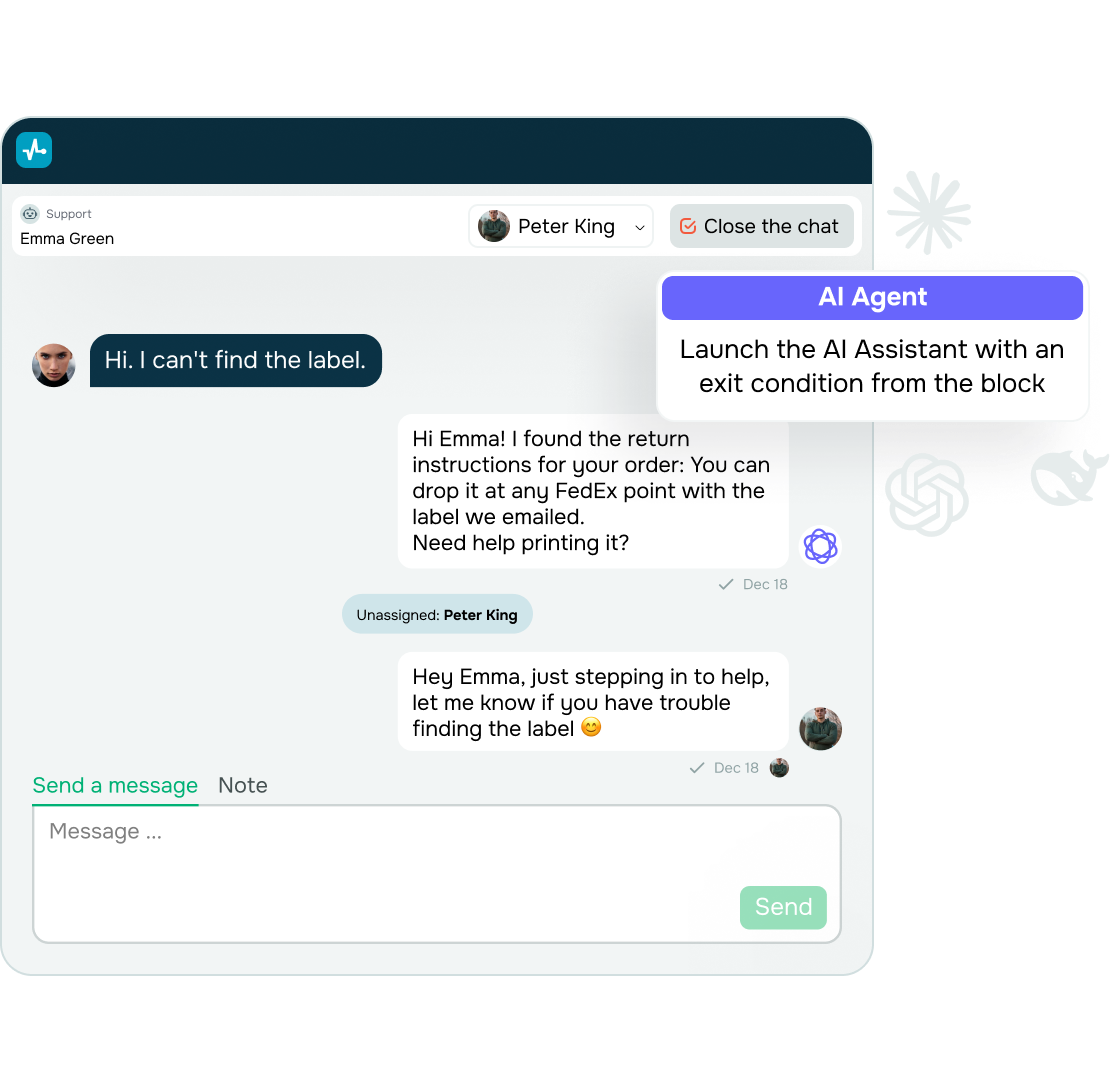
With SendPulse, whoever takes over the chat sees the full conversation history and the last page the customer visited. A customer who just viewed your return policy, pricing, or a product description probably has a question about it, and your agent can see that right away. Automation also pauses as soon as the agent replies, so your chatbot never talks over your team.

With the full context already available, your team can pick up where the chat left off and focus on resolving the issue instead of asking the customer to start over.

Stay in touch with visitors who aren't ready to buy yet

Stay in touch with visitors who aren't ready to buy yet

Not every lead is ready to buy on their first visit. Some want to compare options, read reviews, or simply think it over. But once they close the tab, the conversation ends, unless you've captured a way to reach them.

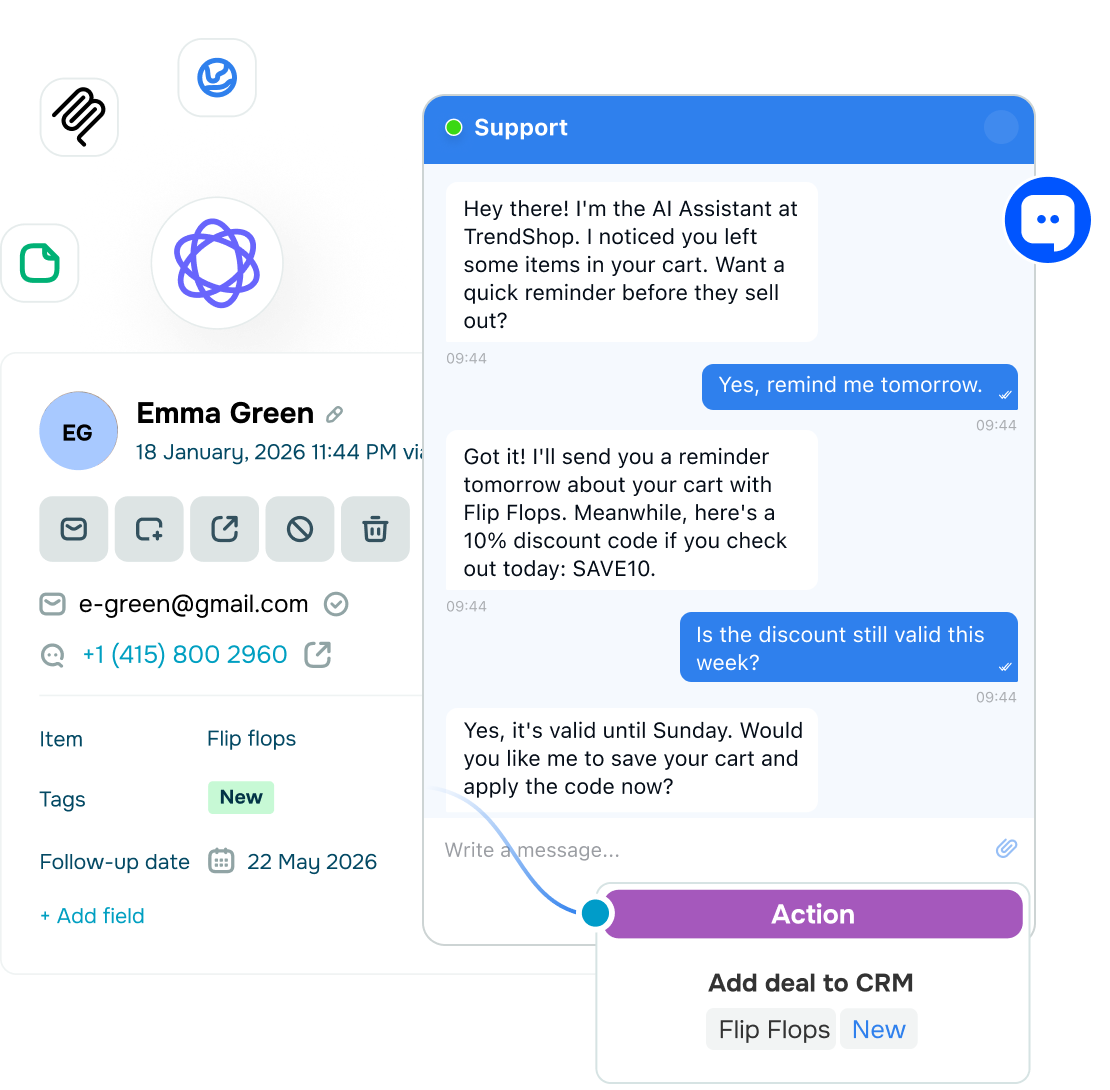
Make that step easy using your live chat. Visitors can share their name, email address, and phone number using short messages and buttons, right in the conversation. Your AI agent then creates a contact in your CRM and saves these details to variables. SendPulse also attaches UTM data to new contacts, so your team can track every lead back to its source.

When a contact is already in your CRM, closing the tab does not have to end the conversation. Your agents can follow up and nurture visitors who have already shown they're interested.

Close the sale without leaving the chat

Close the sale without leaving the chat

A customer can be ready to buy and still walk away if checkout takes too much effort. Making them search for the product again, open another page, or figure out where to pay gives them one more reason to put off the purchase.

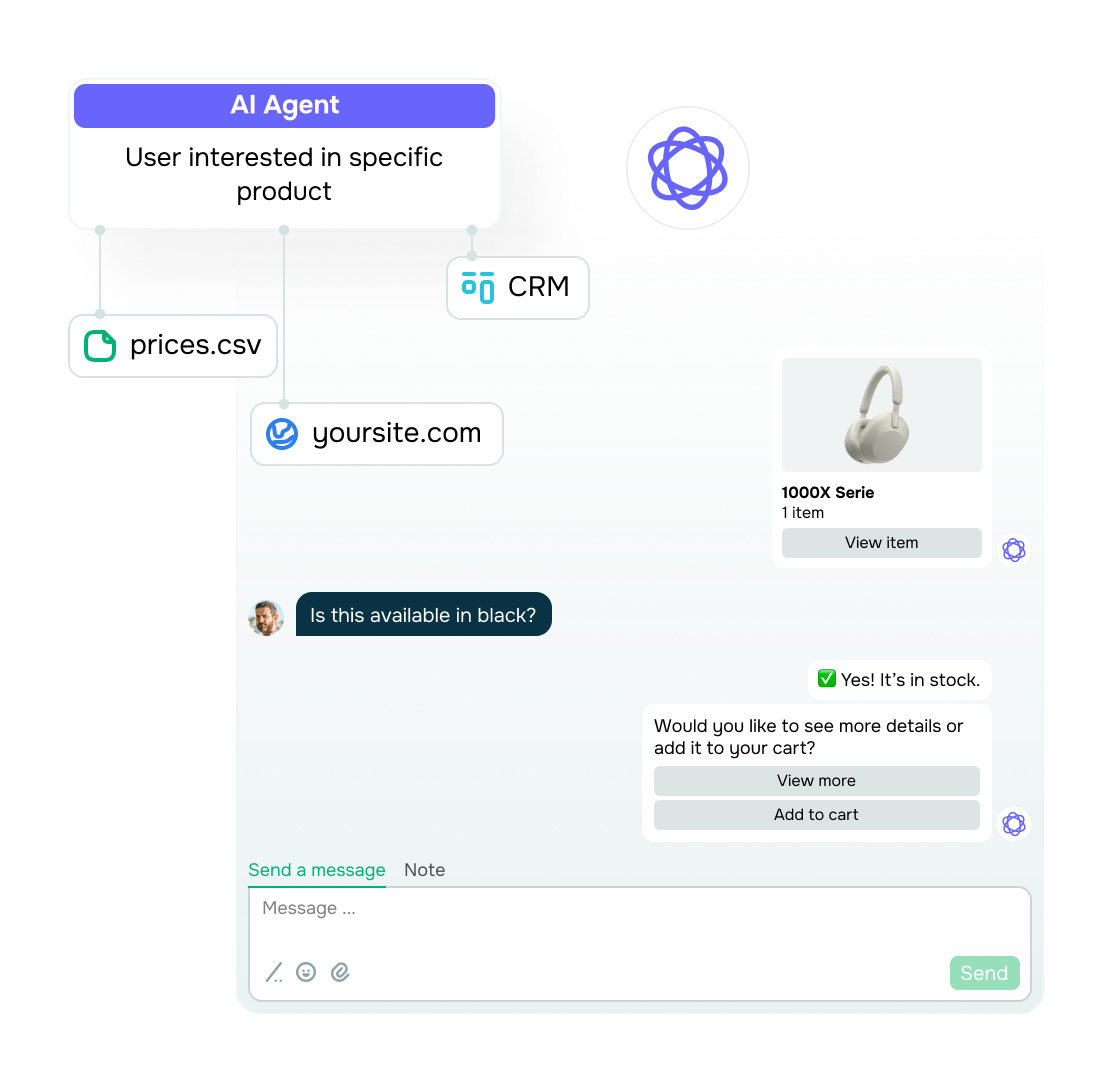
Showcase your products or services right in the live chat, along with the details customers need to weigh their options. When they're ready, they can pay through PayPal, Stripe, Klarna, or another supported payment provider in the same conversation.

Every successful payment can automatically create a deal in your CRM, which means that your team won’t have to log the sale by hand afterward.

Handle the questions your script didn’t anticipate

Handle the questions your script didn’t anticipate

Even the best chatbot flow can't predict every question. Warranty exceptions, unusual delivery conditions, or highly specific service requests often fall outside your script and need a more flexible answer.

This is where your AI agent can step in. Using the conversation context and the files you upload, it can work out what the customer is asking, find the details that apply to that exact situation, and look up current information online when needed.

You don’t have to map out every possible question in advance. Customers still get helpful and accurate answers, even when the conversation goes beyond the scenarios you've prepared for.

Keep every conversation connected to the deal

Keep every conversation connected to the deal

When conversations and deals are scattered across different tools, it's easy to lose track of what's happening. Every handoff means copying data manually, and every follow-up starts with searching through message history.

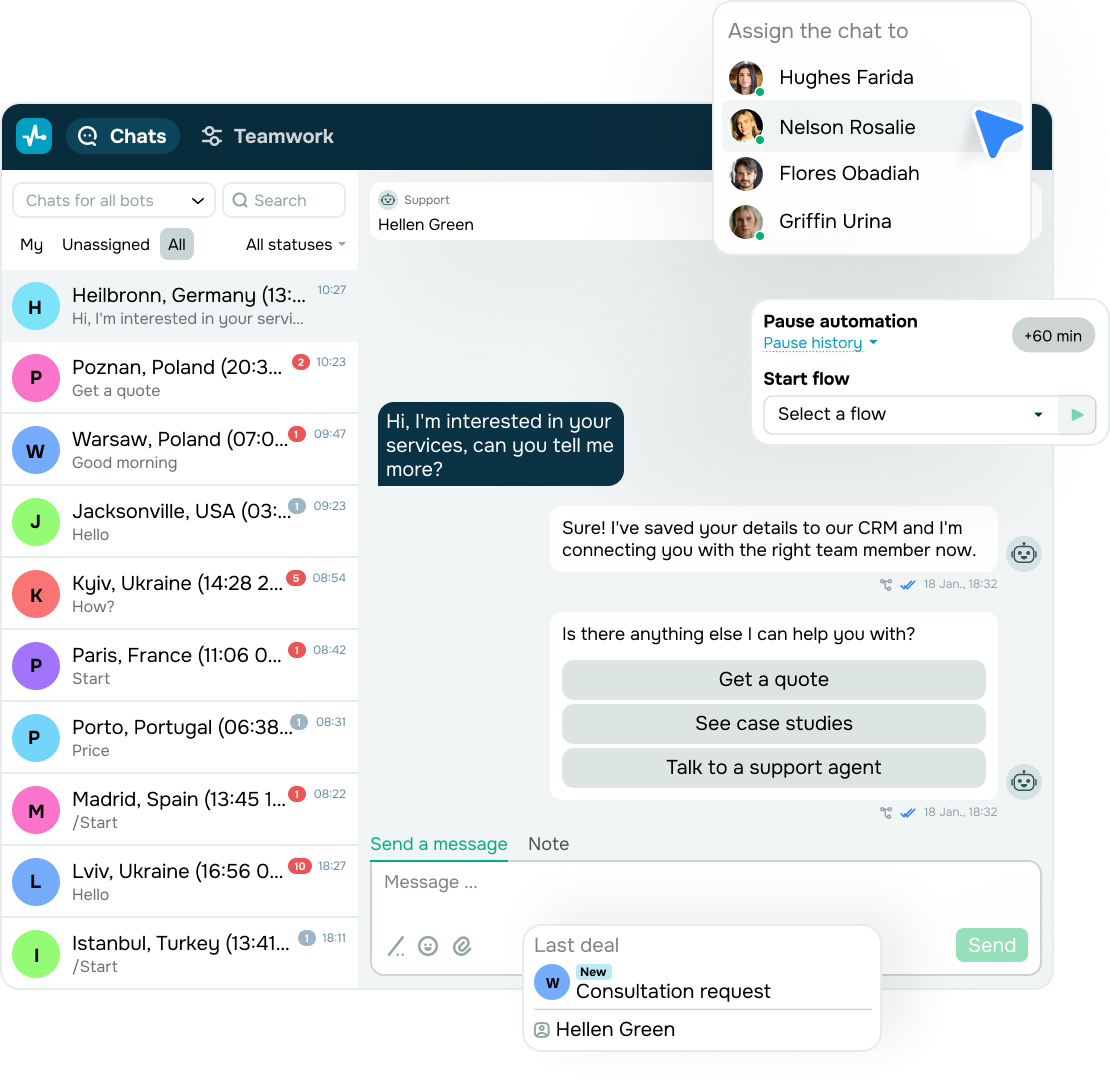
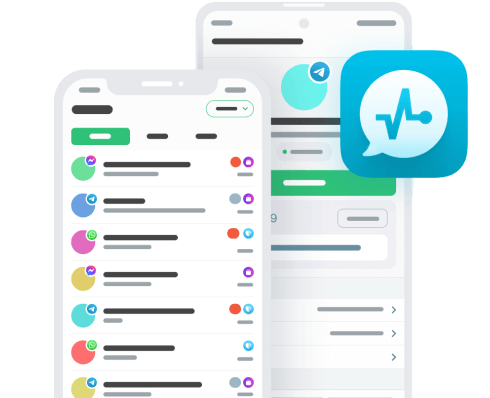
Here's the shortcut. Bring live chat interactions, social media messages, and emails into SendPulse’s omnichannel inbox, right next to your customers’ contact details and CRM deals. SendPulse can add new contacts automatically, create deals when customers take action, and use deal updates to run your next automation.

With conversations and CRM activity in the same workspace, you can also see how your team’s replies affect sales. Track response times, conversation volume, team workload, and sales in one report to find bottlenecks and see which conversations close deals.

app

Stay available when new chats come in

Get notified about new chats and reply right from your phone using our mobile app, even when you’re away from your desk.

Learning hub

See what makes live chat worth having on your website and how to make it work for your business.
What is live chat for business?

What is live chat for business?

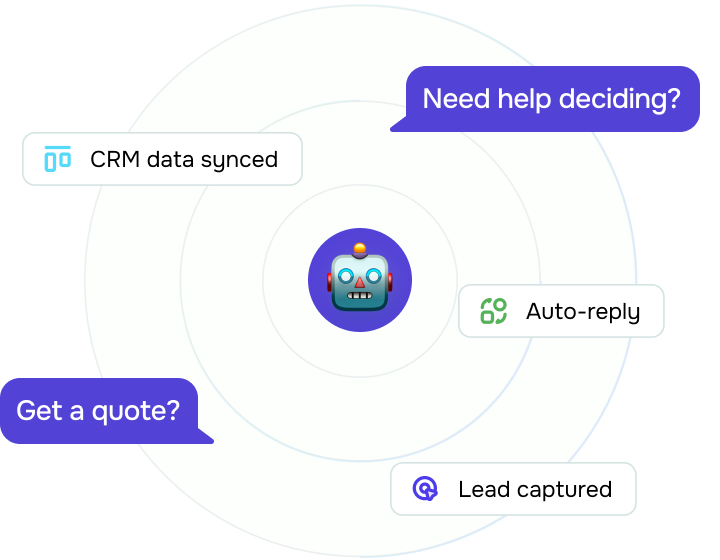
Live chat for business is a tool that helps companies engage website visitors and capture their contact details. Automated flows can handle common questions, and your team can take over more complex conversations with the context intact.

It also helps your business stay in touch with visitors after they leave your website. For sales teams, that means a shorter path from the first conversation to a deal.
What can live chat help my business with?

What can live chat help my business with?

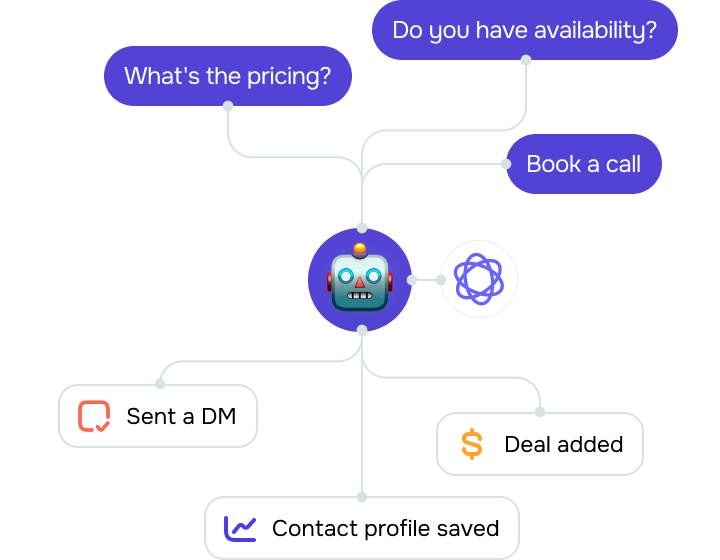
Your team can use live chat to answer frequent questions, capture contact details, qualify leads, and route trickier conversations to the right person. Agents can also see the full message history and context when they step in.

On the sales side, it helps with pricing questions, product comparisons, follow-ups, and any other conversation that moves customers closer to a decision.
What do I need to set up a live chat for business?

What do I need to set up a live chat for business?

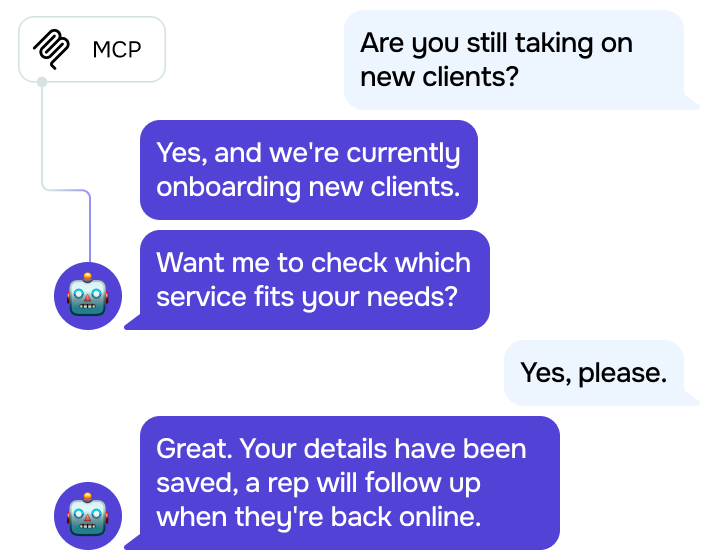
Add a live chat widget to your website and decide how each type of conversation should be handled. Routine questions can run on automation, AI can cover less predictable messages, and your team can take over when a human touch is needed.

Customer data and conversation history land in your inbox and CRM, so nothing gets lost even after the chat ends.
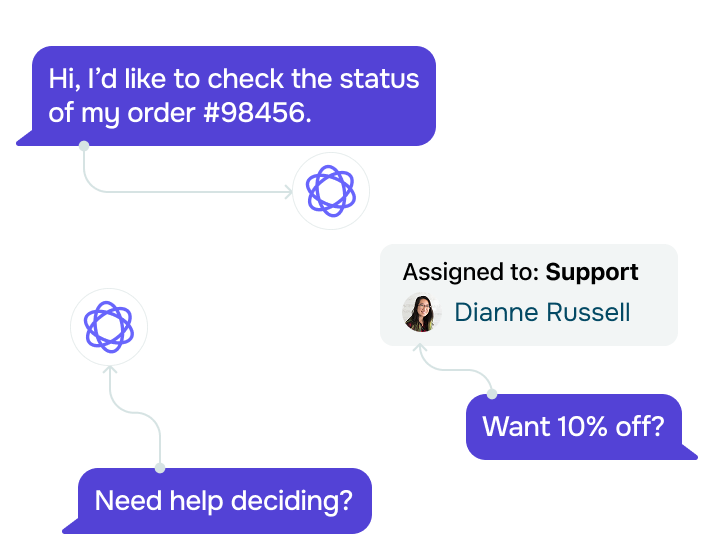
How do I get the most out of live chat for business?

How do I get the most out of live chat for business?

Start with the conversations your team handles most often. Then map out which ones to automate, which to hand to AI, and which to route straight to your team.

After that, keep an eye on first response time, how many chats are successfully handled without a human agent, and how often conversations lead to deals.

These metrics show if live chat helps your team respond faster, ease your team's workload, and contribute to sales.
Add live chat to your website

See how you can set up a website chat and take some of the routine work off your team.

Build your first chatbot at SendPulse Academy

Take a free course and discover how to use chatbots to answer common questions and guide customers toward a purchase.

Cover more with the same live chat

Shape live chat around your workflows and adapt it to fit your website, audience, and team.

icon
Launch fast

Install live chat with a code snippet or Google Tag Manager, or enable it instantly on a SendPulse-powered site.

icon
Speak your customers’ language

Choose from eight interface languages and let AI translation handle messages from customers who speak a different language.

icon
Customize for your website

Style the live chat to fit your website, control which pages it appears on, and place it within any page section.

icon
Build without coding

Create automated conversations in a drag-and-drop builder, start with a ready-made template, or reuse an existing setup.

icon
Take payments

Let customers make in-chat payments through supported payment providers or cryptocurrency.

icon
Balance the workload

Route incoming chats across your team, set workload limits, and track response times to spot pressure points early.

FAQ

Basic setup is minimal. Paste an installation code, use Google Tag Manager, or enable live chat on your SendPulse-powered website with no coding at all. You can also whitelist approved domains so that the widget only runs on websites you authorize.

Automated flows and an AI agent can greet customers and handle their first questions until your team is ready to step in. As soon as a team member takes over, automation pauses, so customers don't receive chatbot messages in the middle of a live conversation. Your team also receives notifications about new chats in the mobile app, through web push, and by email.

Give the AI agent access to approved company files and use automated flows for predictable conversations. Questions that require human judgment should go straight to your team. If you need more control than these safeguards provide, explore what you can configure with a сustom AI bot.

SendPulse-powered live chat supports eight interface languages, including English, Spanish, and French. Visitors see the widget in their language, and AI translation helps your team reply to customers even if they don't speak the same language.

Yes. Live chat can automatically send contact details to your CRM, create new deals, or update existing ones as the conversation unfolds. When a customer pays in the chat, a deal is created for you too.

Don’t let valuable conversations end with a closed tab

Use live chat for business to give high-intent visitors a direct way to reach you now and stay reachable after they leave.