Prom UA
The Prom.ua integration with SendPulse CRM enables seamless transfer of products, orders, and customer data into your CRM. Manage your marketplace sales in one place, automate workflows, and eliminate manual data handling.
Automatic deal creation from orders
Every new order from Prom is instantly converted into a CRM deal with customer details, products, and order data — helping your team respond faster and never miss a lead.
Two-way product synchronization
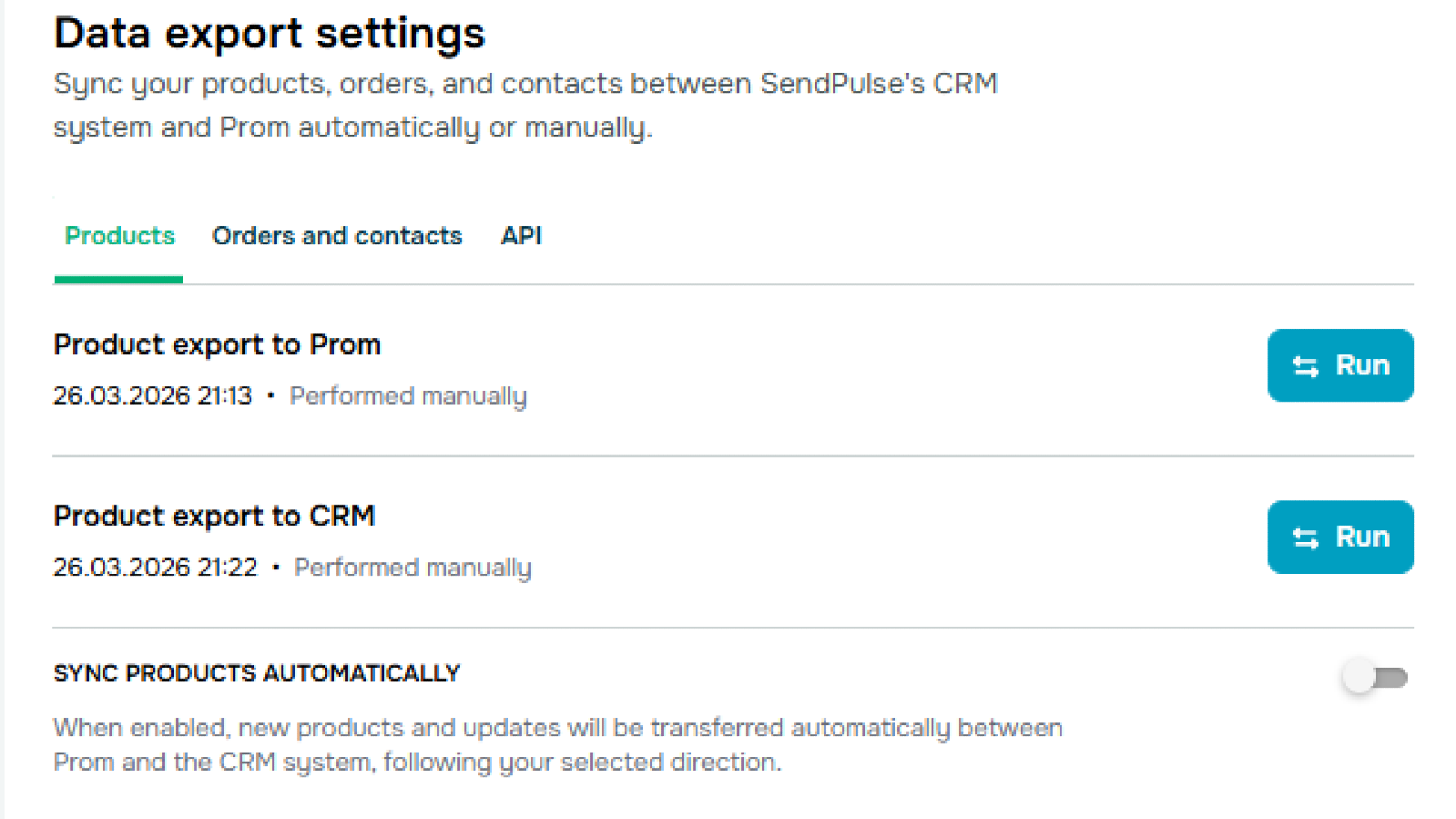
Sync your product catalog between CRM and Prom in either direction. Keep pricing, descriptions, and availability up to date without duplicate work.
Real-time order updates
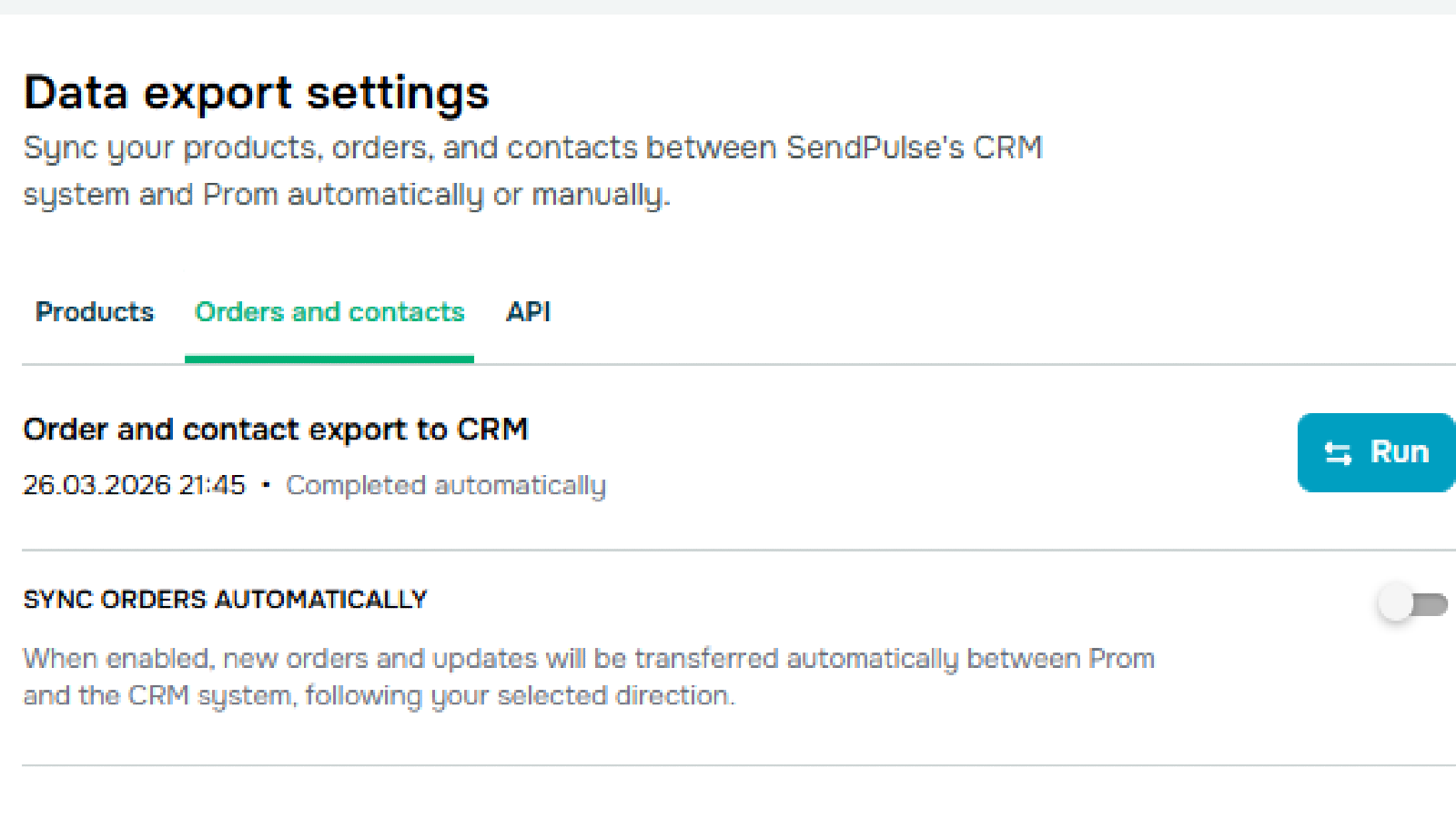
Orders are automatically synced every 15 minutes, ensuring your team always works with the latest data.
Flexible data mapping
Match categories, order fields, and deal fields to fit your sales processes. Ensure accurate data transfer aligned with your CRM structure.
Sales process automation
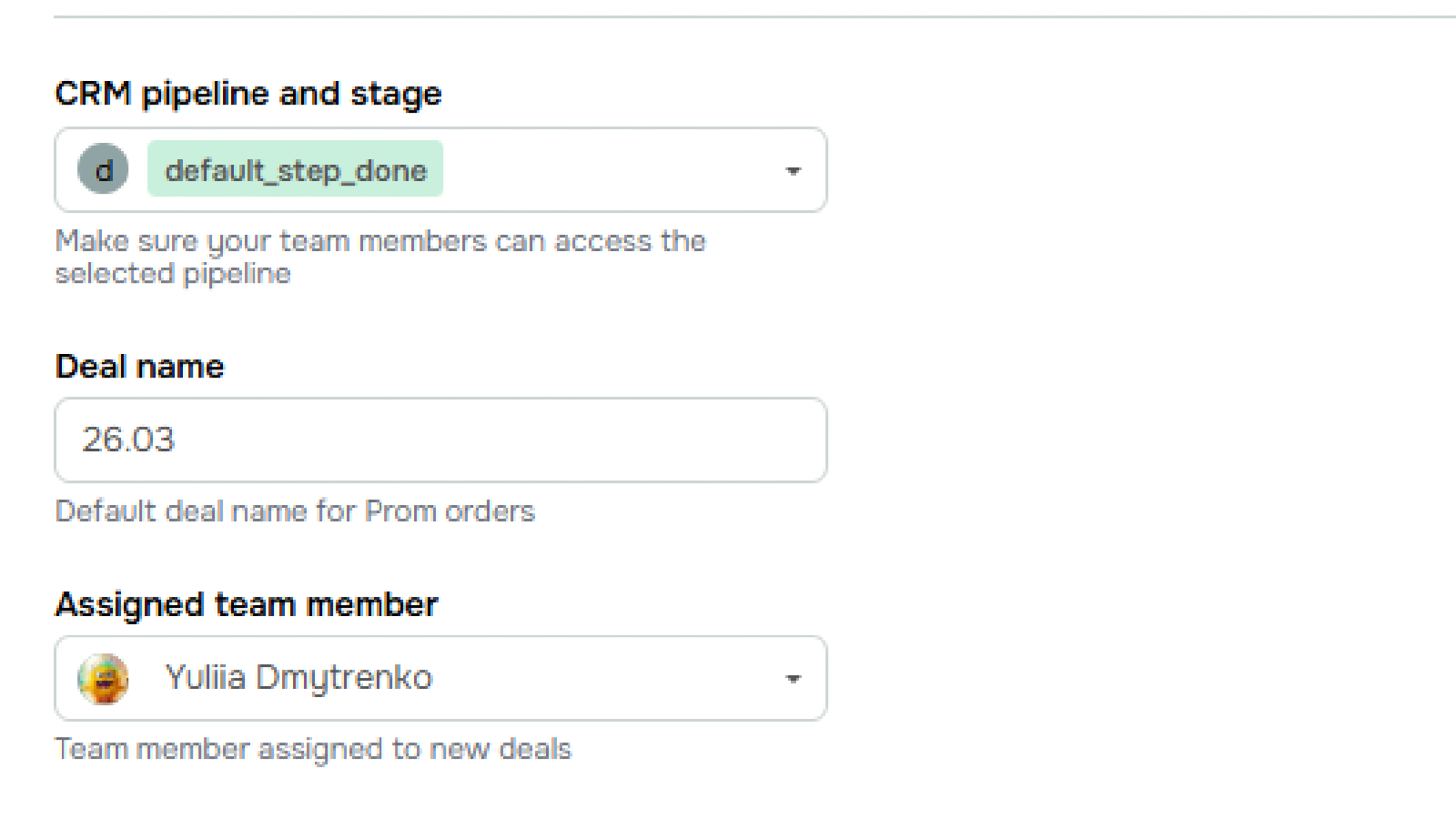
Automatically assign pipeline stages, deal names, and responsible managers for new orders — standardizing and speeding up your workflow.
Manual and automated sync options
Control your operations with on-demand exports or enable automatic synchronization for continuous data updates.
1. Get your API token from Prom
Go to your Prom seller account → API settings → generate and copy your API token.
2. Install the Prom app in SendPulse
Open the SendPulse App Marketplace, find Prom, and install the app with CRM access.
3. Connect your store
In “My Apps,” paste your API token and confirm the connection.
4. Configure synchronization
- Map product categories between Prom and CRM
- Select product sync direction
- Set up automatic order sync (pipeline, stage, assignee)
- Configure field mapping if needed
5. Launch integration
Enable automatic sync or run your first manual export — and start managing your Prom orders directly in CRM.





or